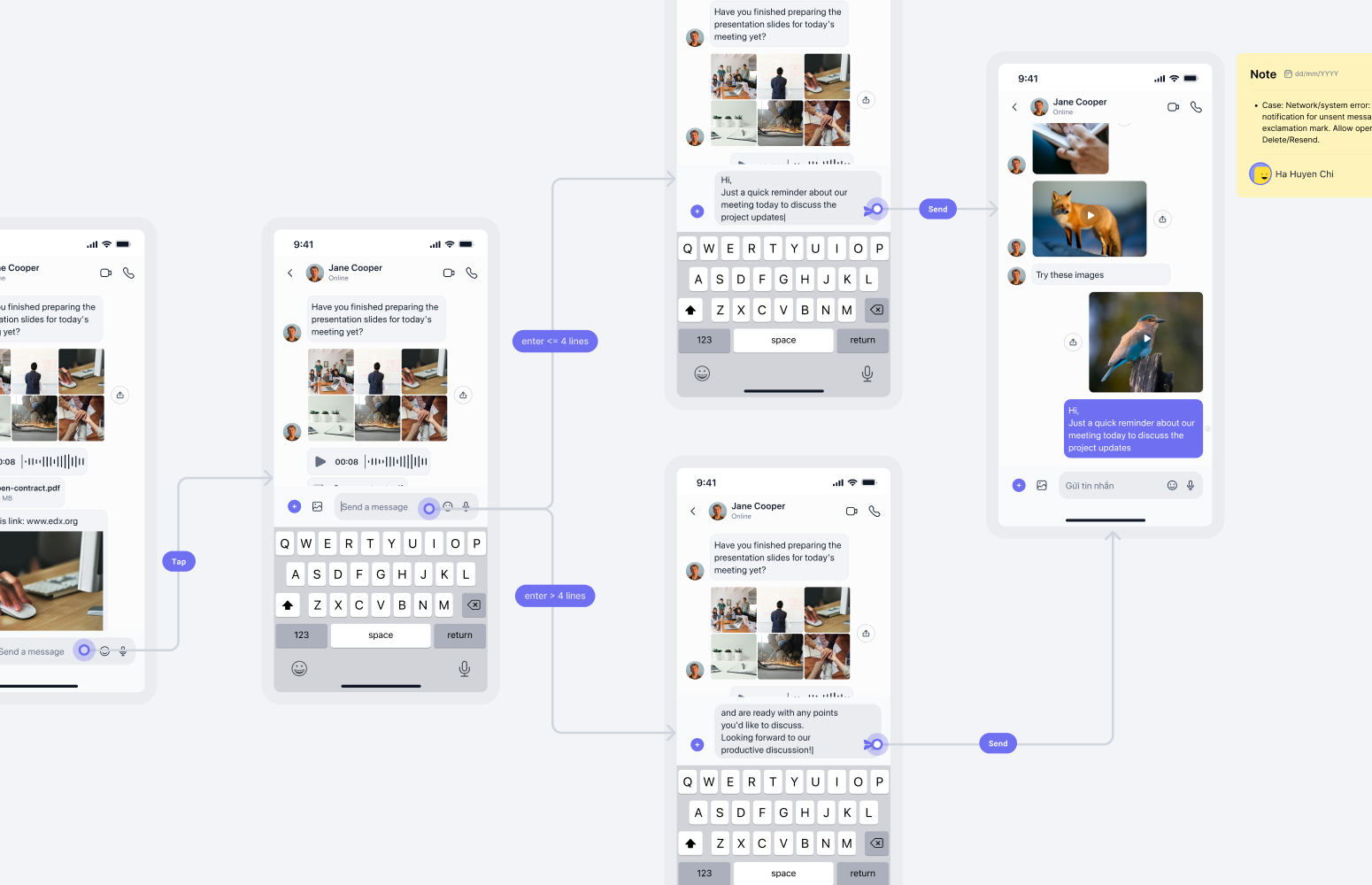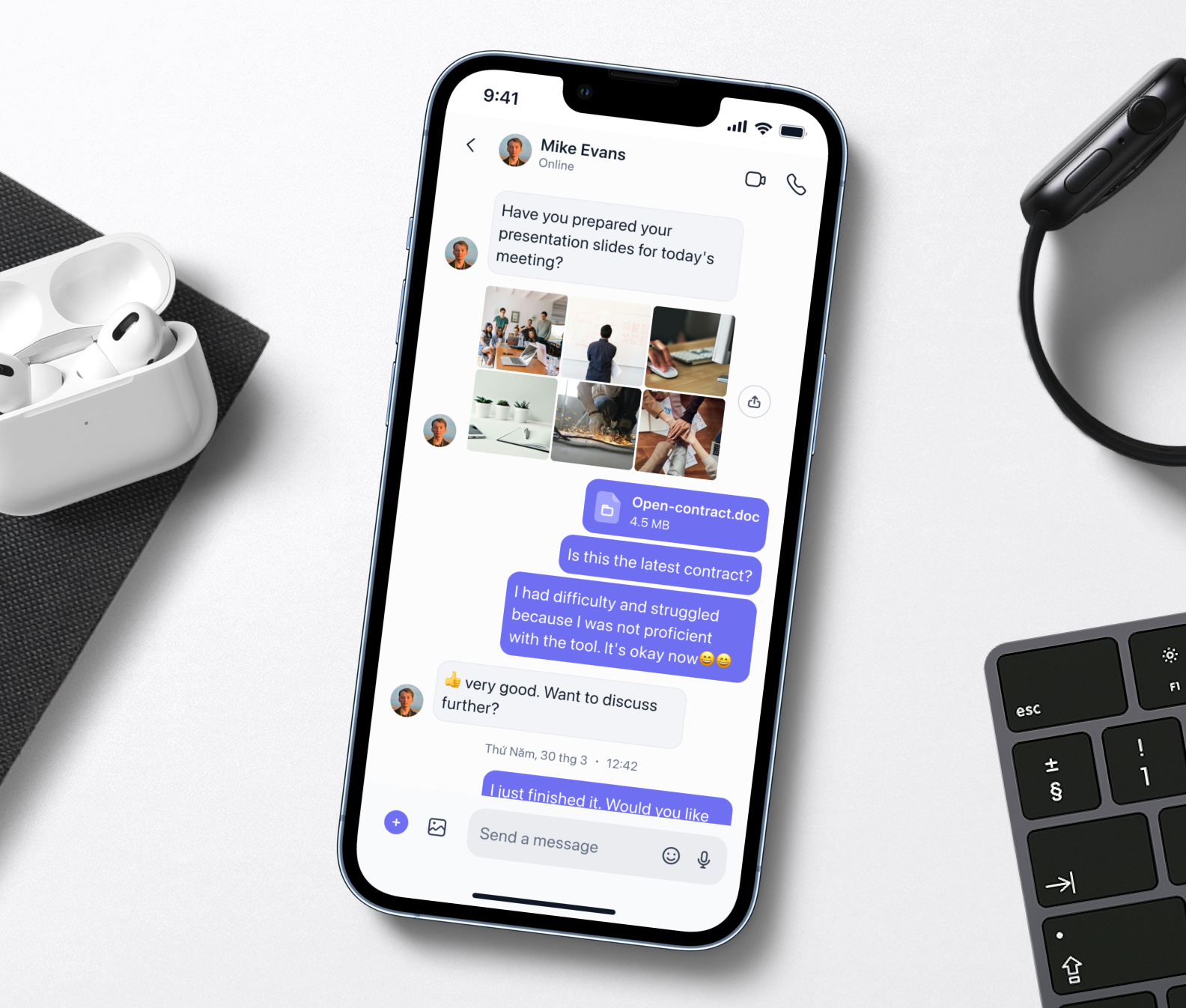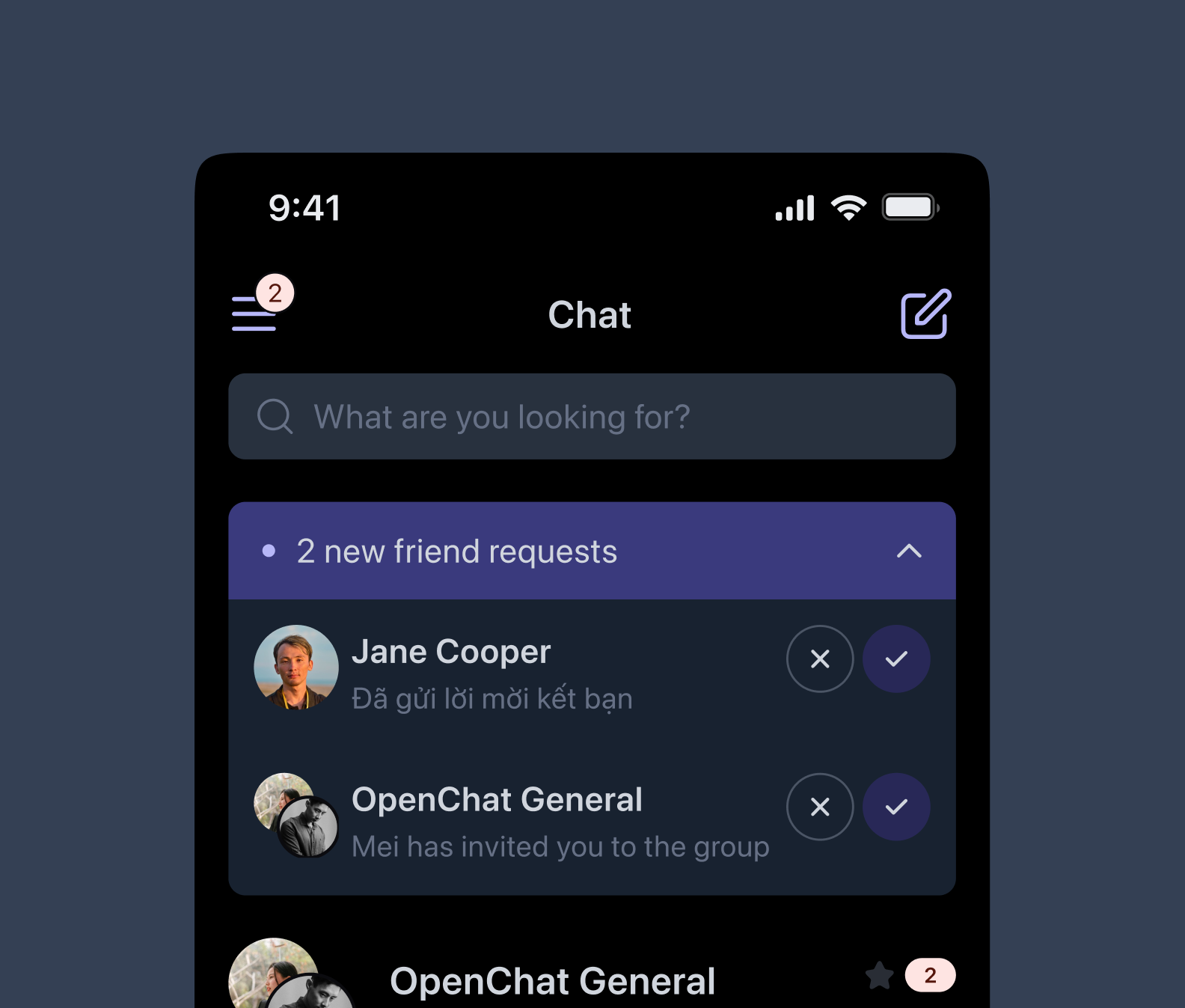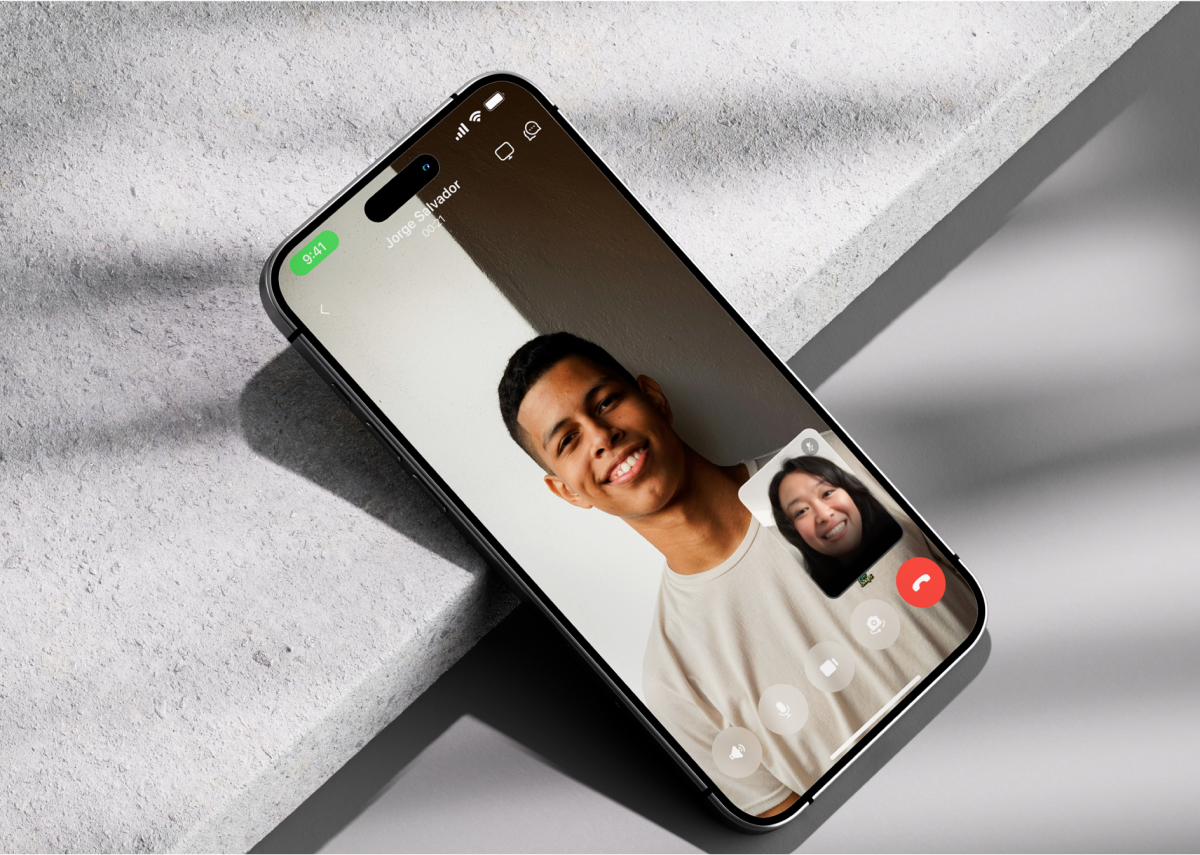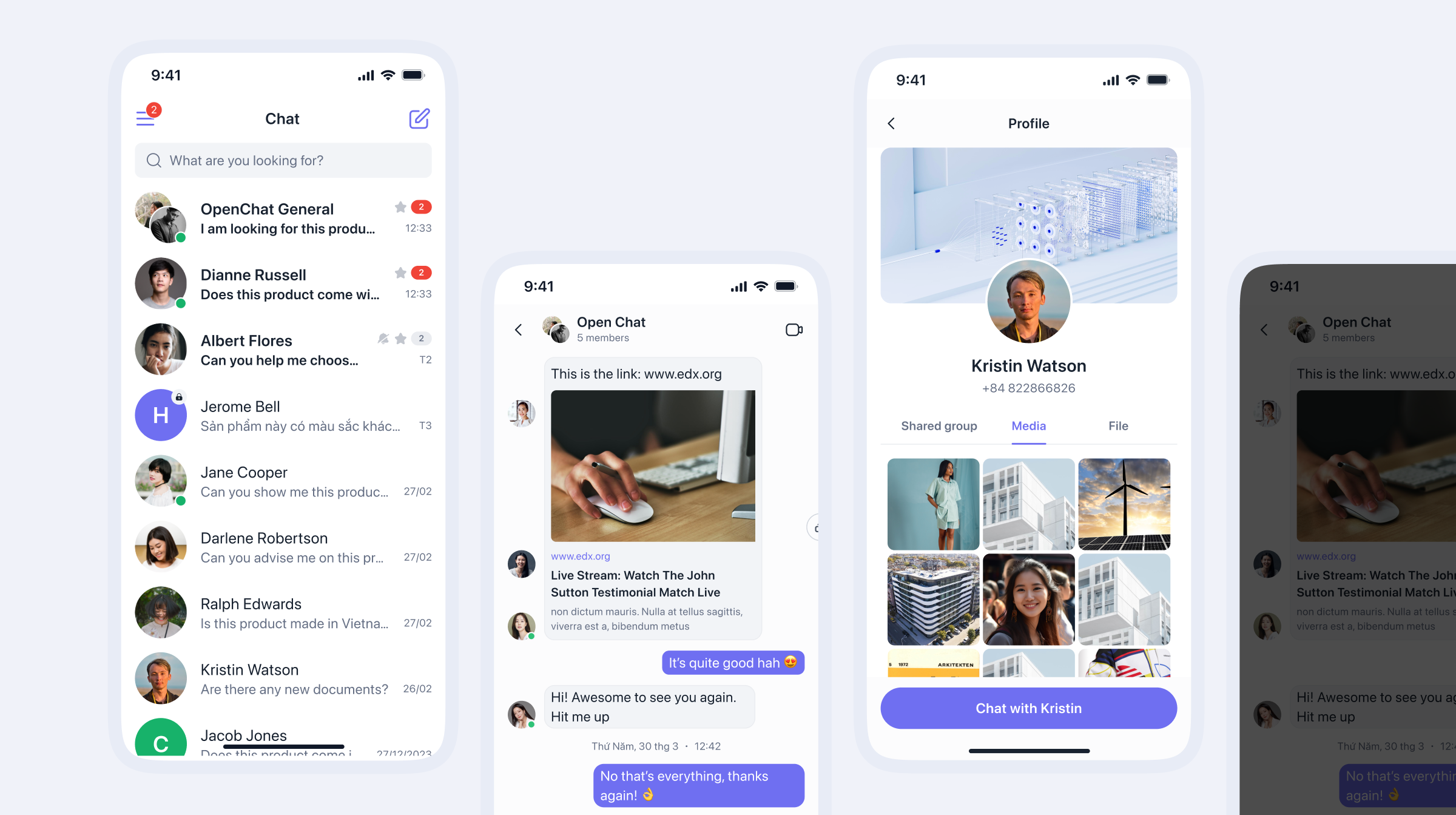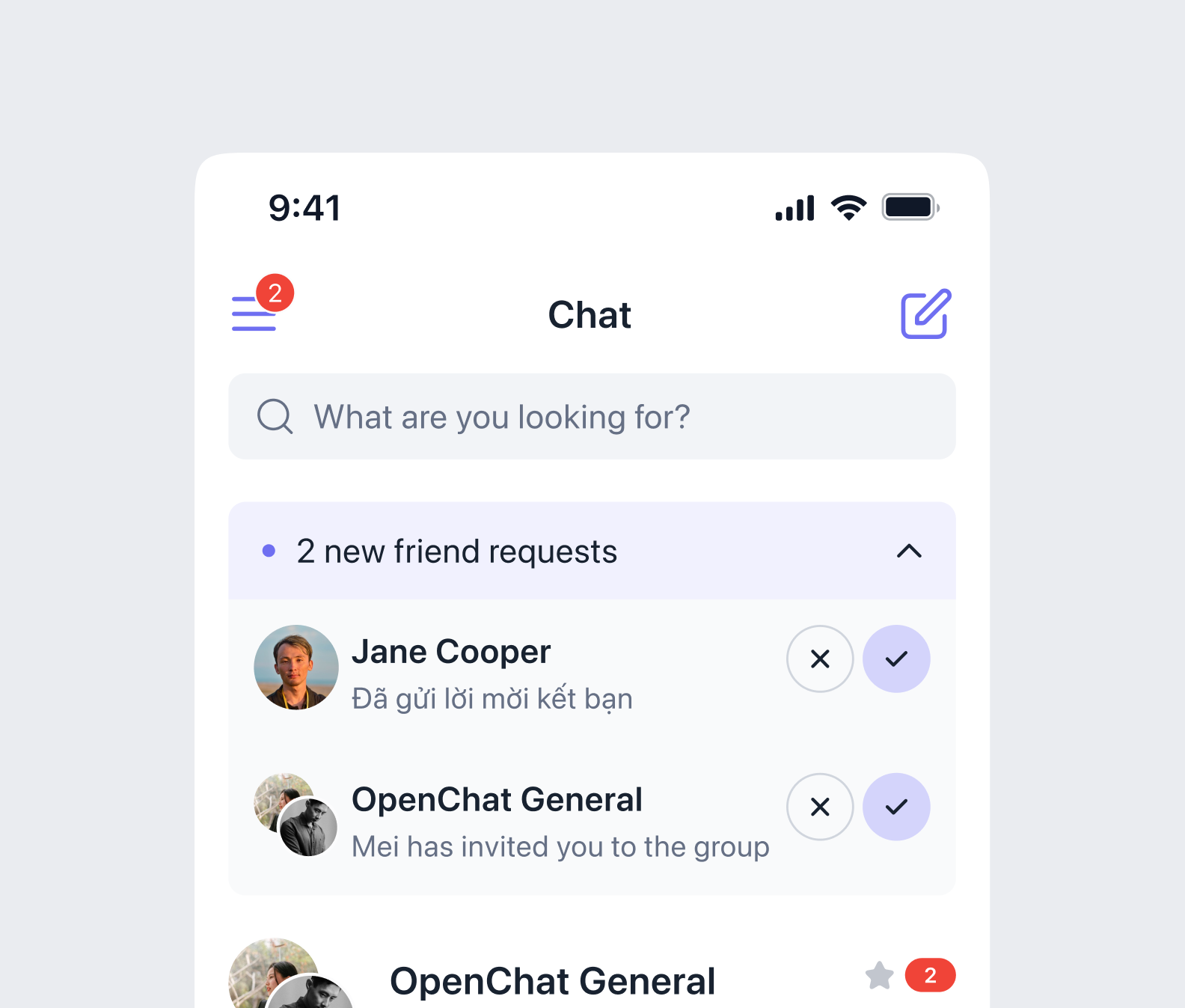
The first version design of the app was lack of consistency and had a disorganized structure in the file organization. It leads to a tough time following the flow of the dev and product teams. Besides, the app interfaces were inconsistent at many points, and it was hard to find the root reason. The actual app looked “a bit similar” to the design; we cannot even define the correct flow that applied to the app's development and what just existed on the design and had not been developed yet.
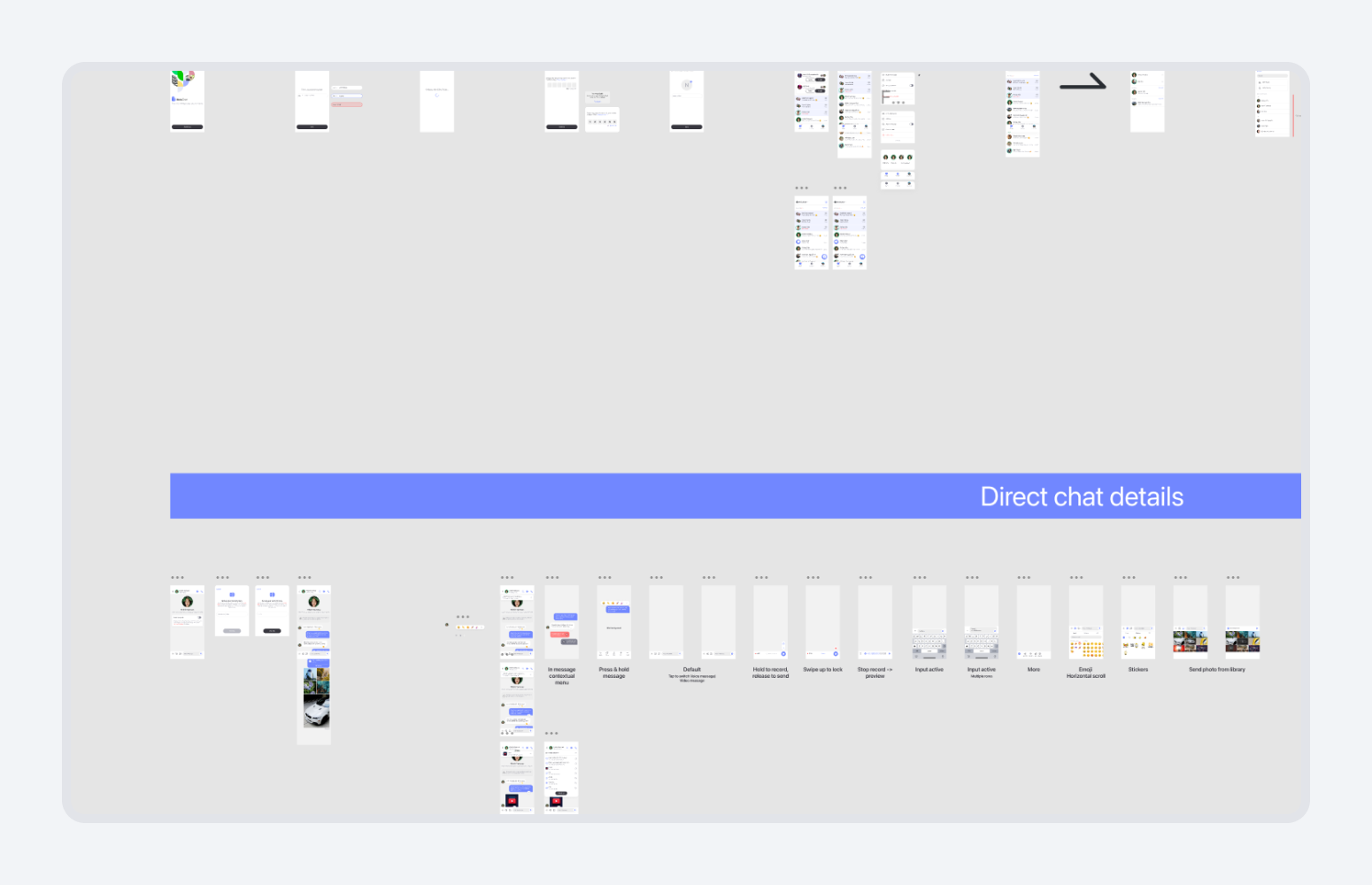
At first, we decided to apply Material Design 3 Design System for the whole app style. However, at some points, for example, the color roles' lack of contrast and flexibility leads to unclear results in the app's final user interface. After a few months of applying the M3 design system, we changed the design systems into our customization. I was in charge of creating the new design system and the rules for file organization.
We must have a solid and strategic long-term plan to make it happen.
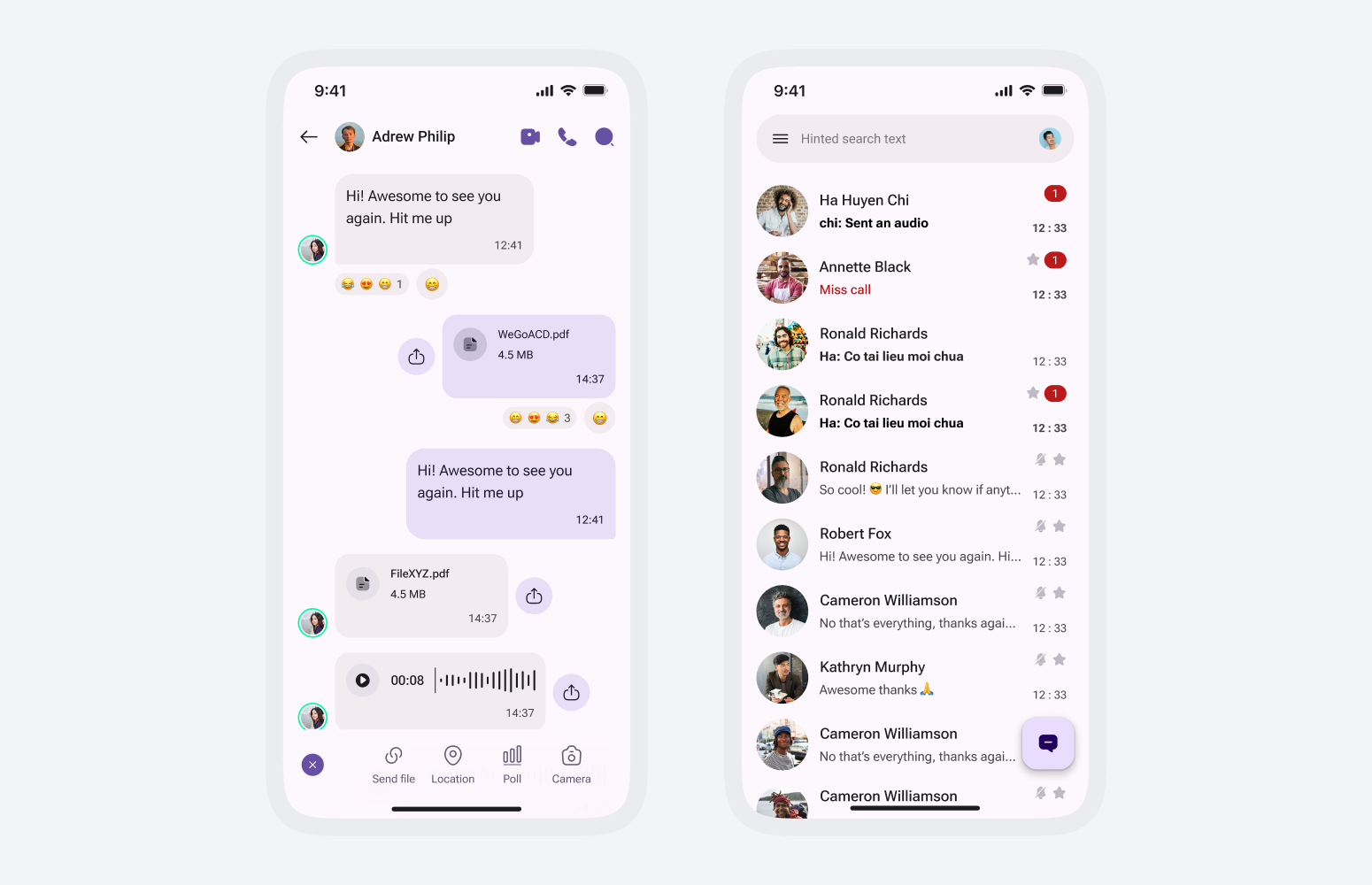
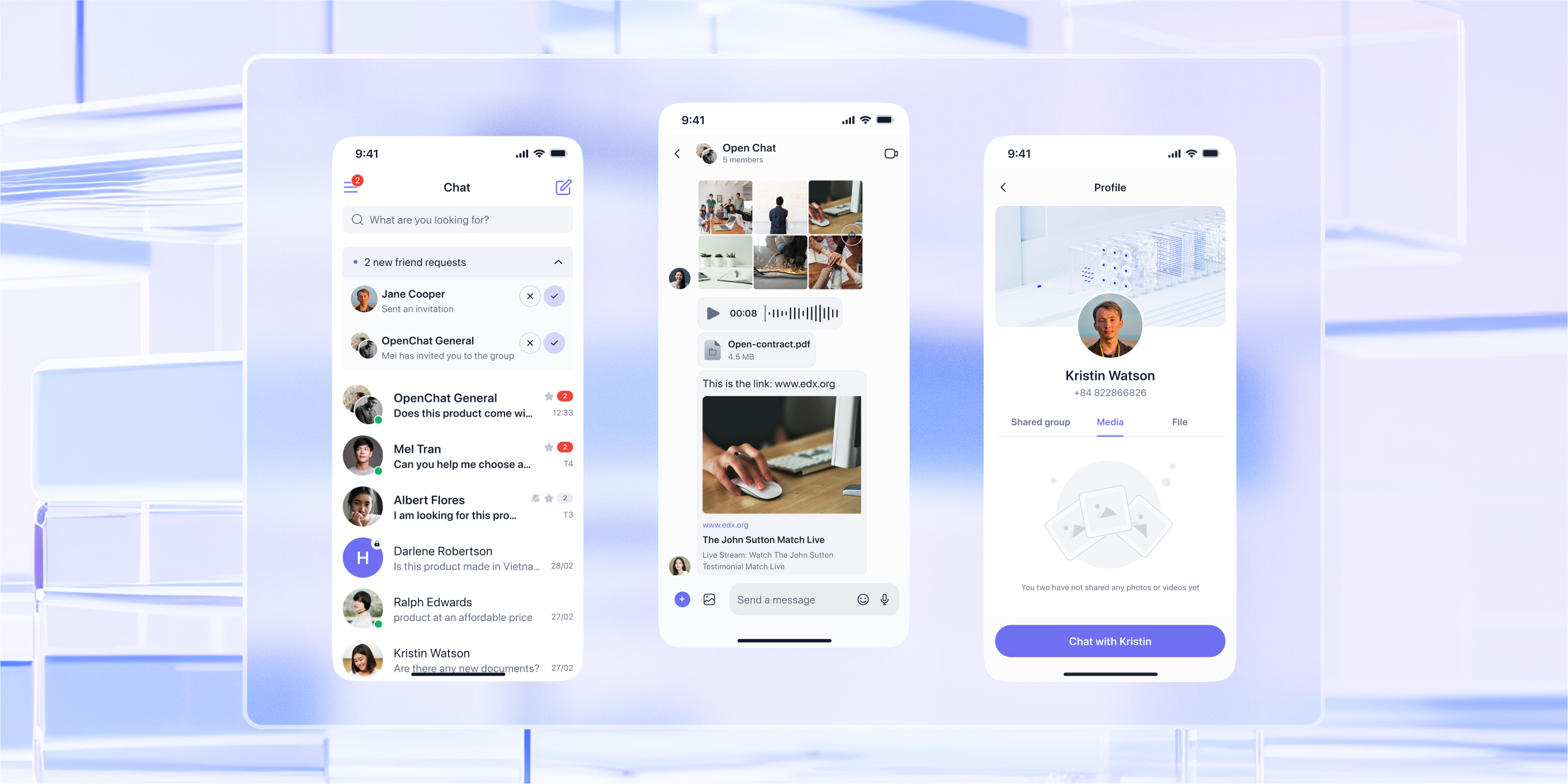
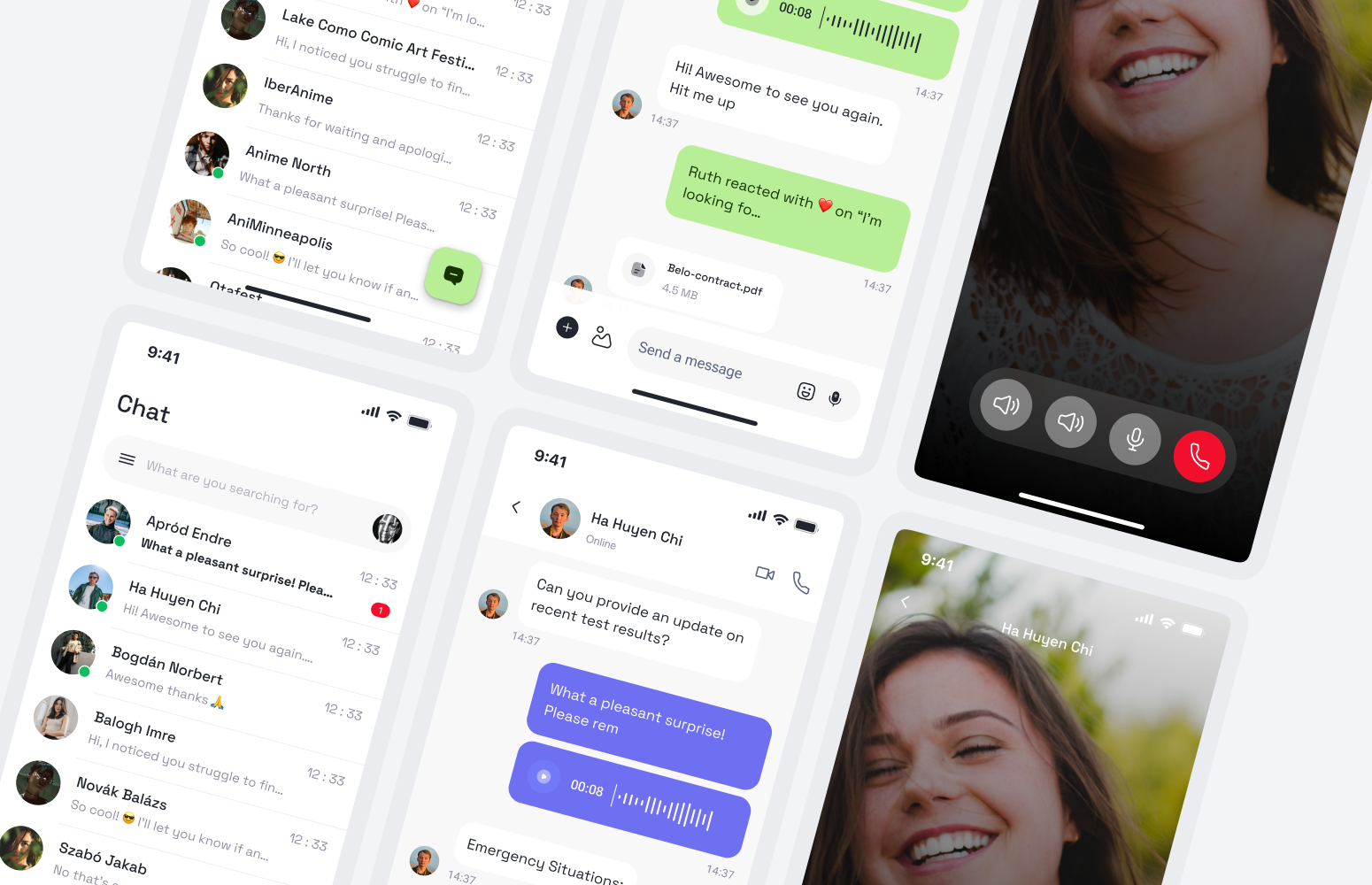
First, I visualized some design concepts for the stakeholders to decide on the idea of the whole app. We want our app to look modern but clean and simple, with a minimal, lean look and feel. I looked for UI references and existing apps to file down a concept that meets our criteria.
After that, I defined the timeline and estimation for each revamp process task following the existing app functions. At that stage, I had to discuss carefully with the team to arrange the deadline and hand-off transfer properly.
After the research and preparation phase, we all agreed on the concept and general style of the app:
- The app needs a clean and modern style
- The primary color used in the Medium Slate Bue (#6F6FF1)
- The revamp would be implemented basically based on the existing function flows
When the foundation ran quite well, I started my job in the design process
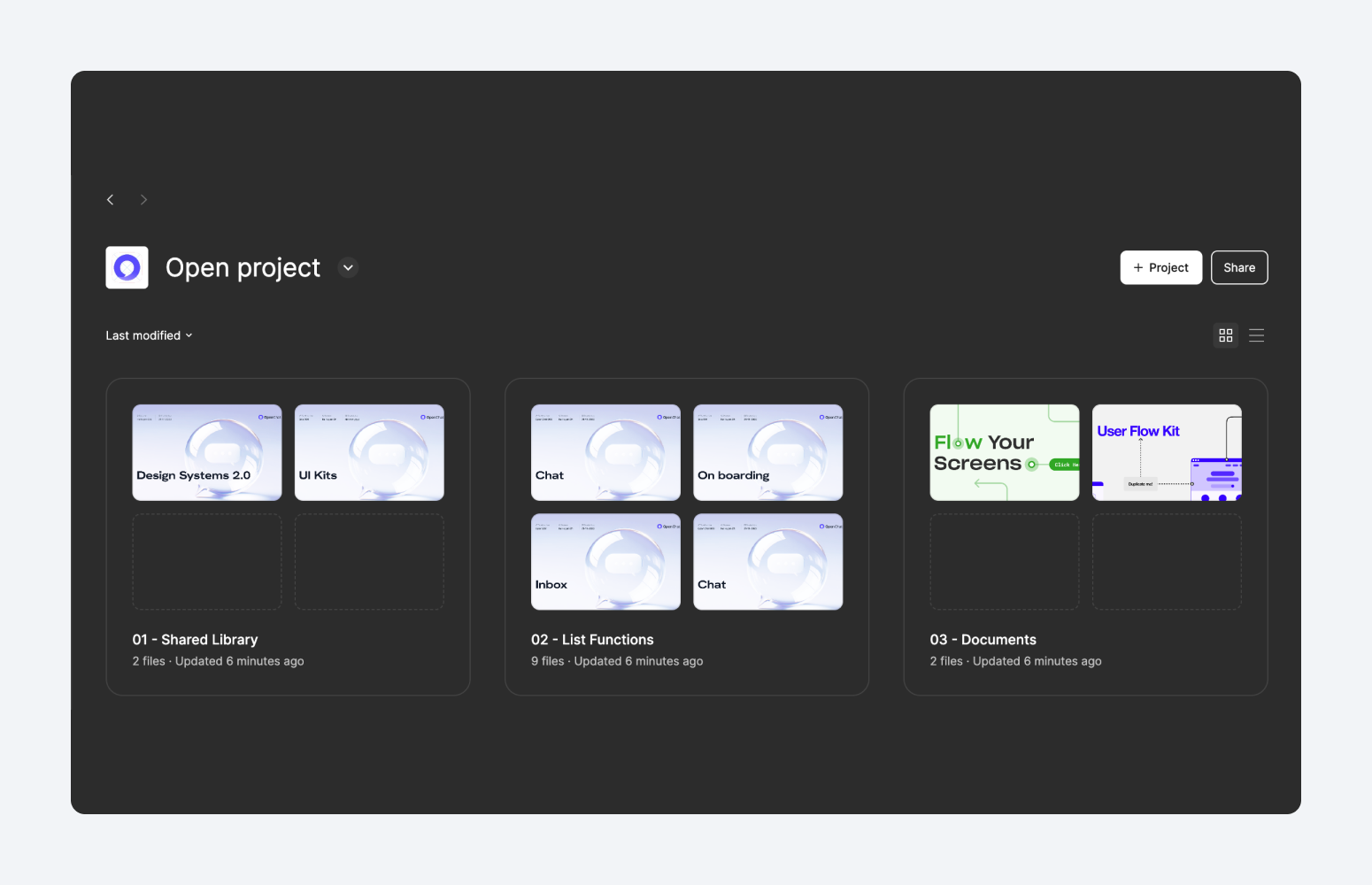
First of all, I worked and discussed closely with the team to decide the structure of the whole project. We divide the project into 3 main areas:
- Shared Library: Contains 2 files Design Systems and UI Kits
- List Functions: The design of each function of the app
- Documents: References and other relevant document
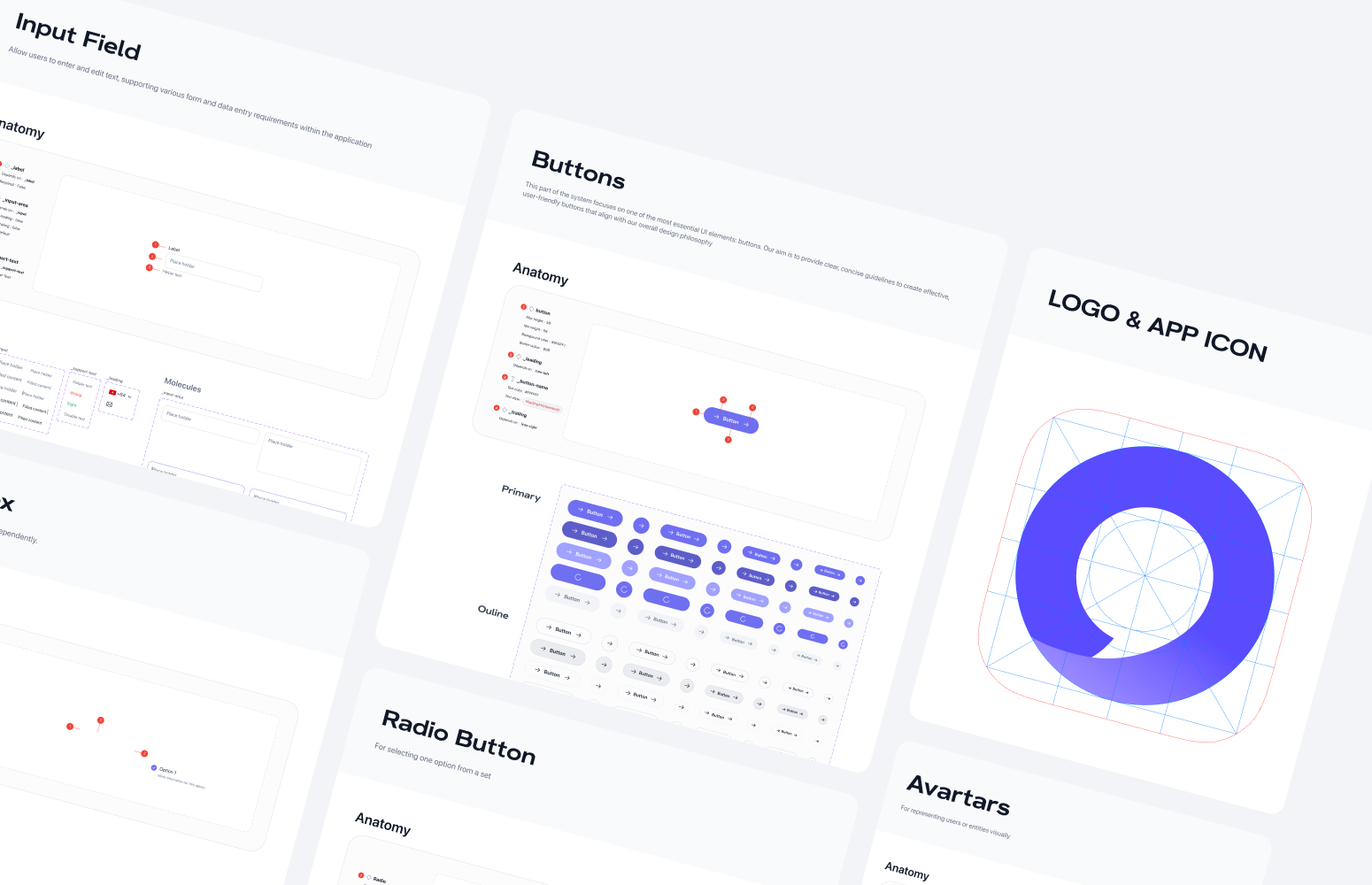
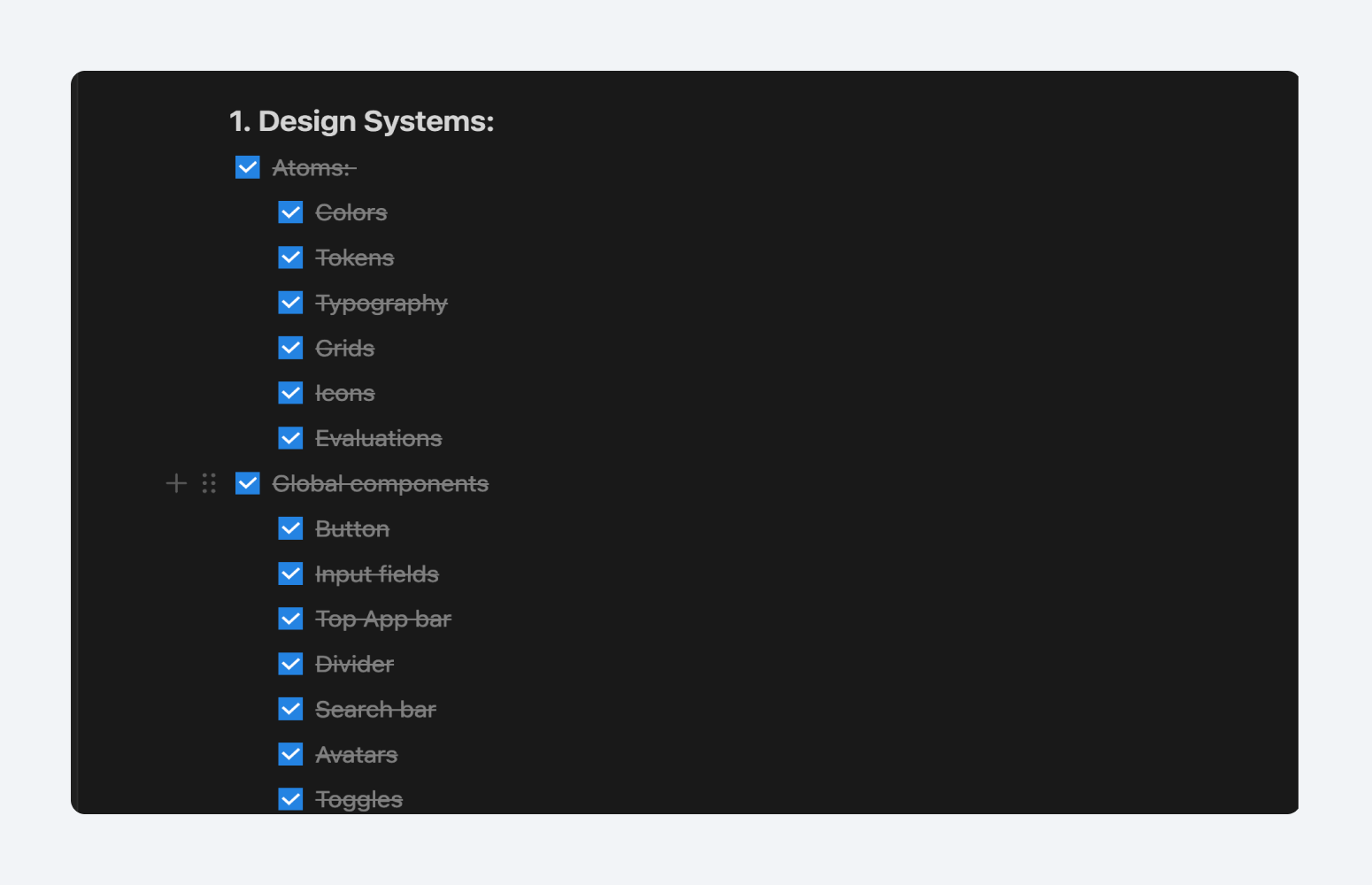
After that, the setup of the Design System for the whole app was crucial. This part can be done in many ways, but basically, it contains at least two parts:
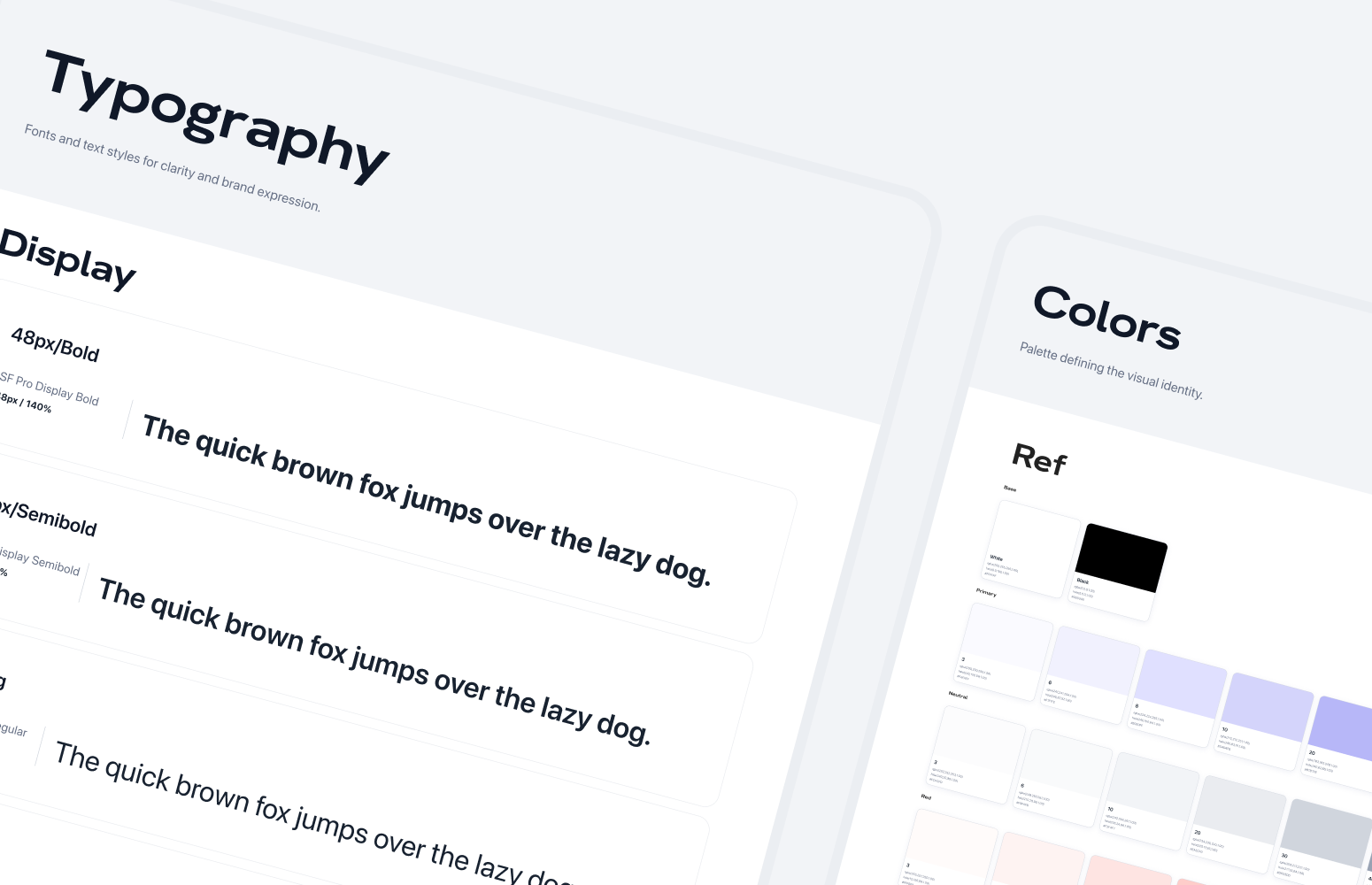
- Set up the foundation: Set up the colors, Typography, Basic layouts and Icon Library.
- Set up the common components used
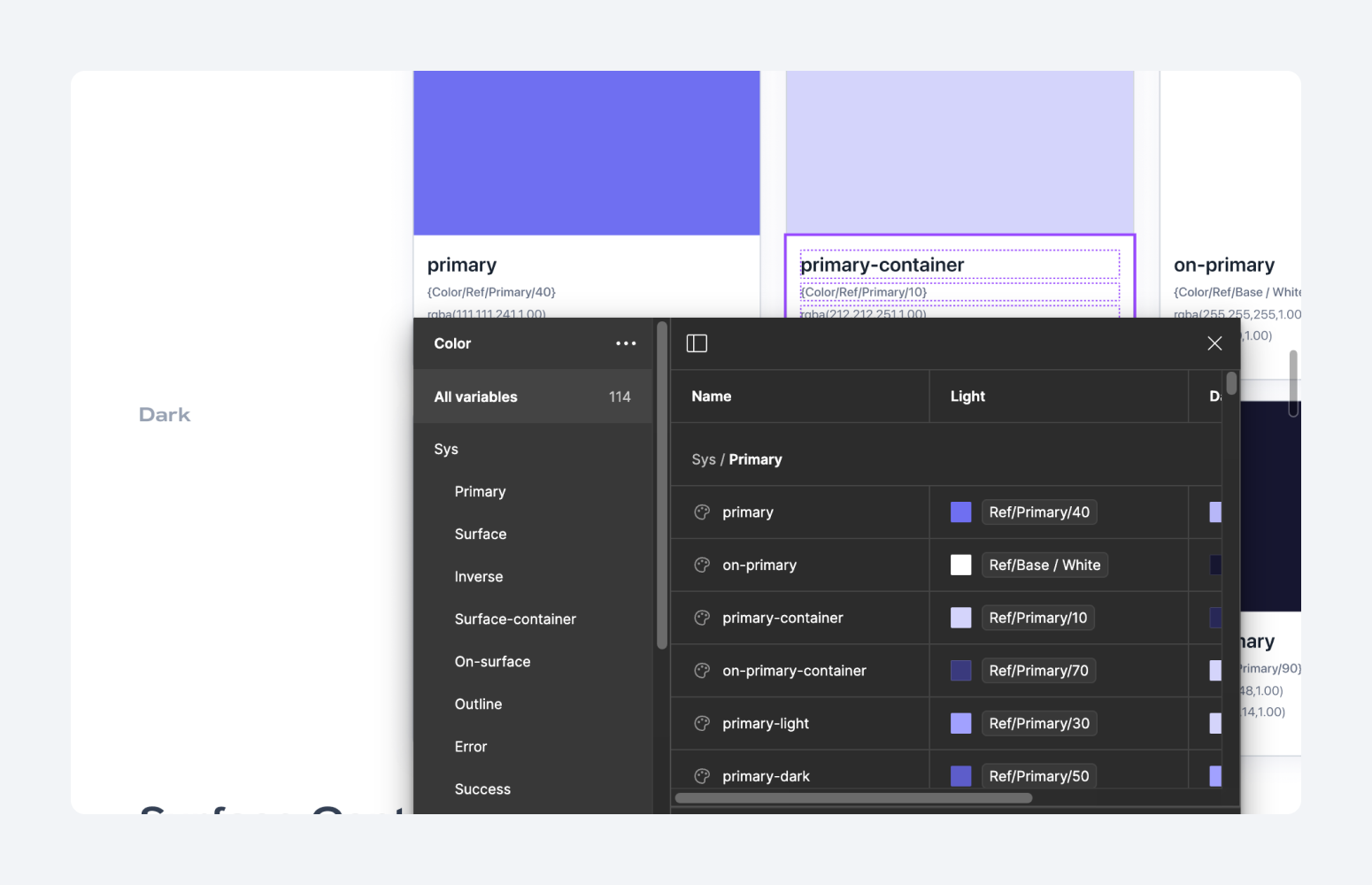
With the recent updates of Figma about the token variables tool, I also created the token variables for the design systems to keep things consistent
I also created the template for the app design function as a starting point of the design process. Whenever we start the design on a new function, we can duplicate the file template and start to design
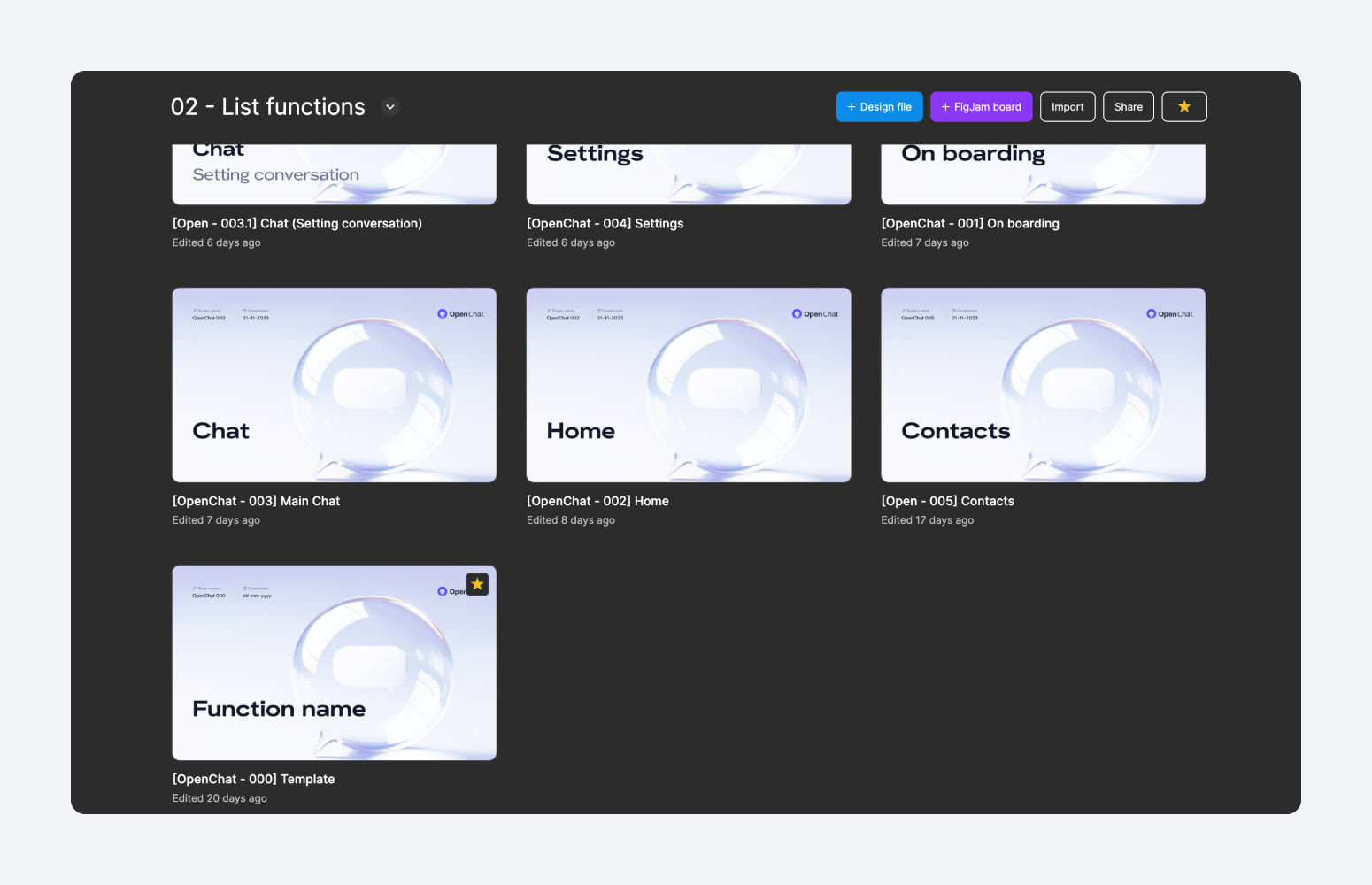
The template includes these parts:
- Cover: Contains the function name, POC (person in charge), the start date, and the code of the function. This part is a very important part because it organizes the list functions area and helps us choose the right function to open whenever we need to open them
- Local components: contains components specifically used for the function
- SCREENS: List of screens of smaller functions of the big function
- FLOWS: List of flows of smaller functions of the big function
- Exploration: The area for me to note down references for the function
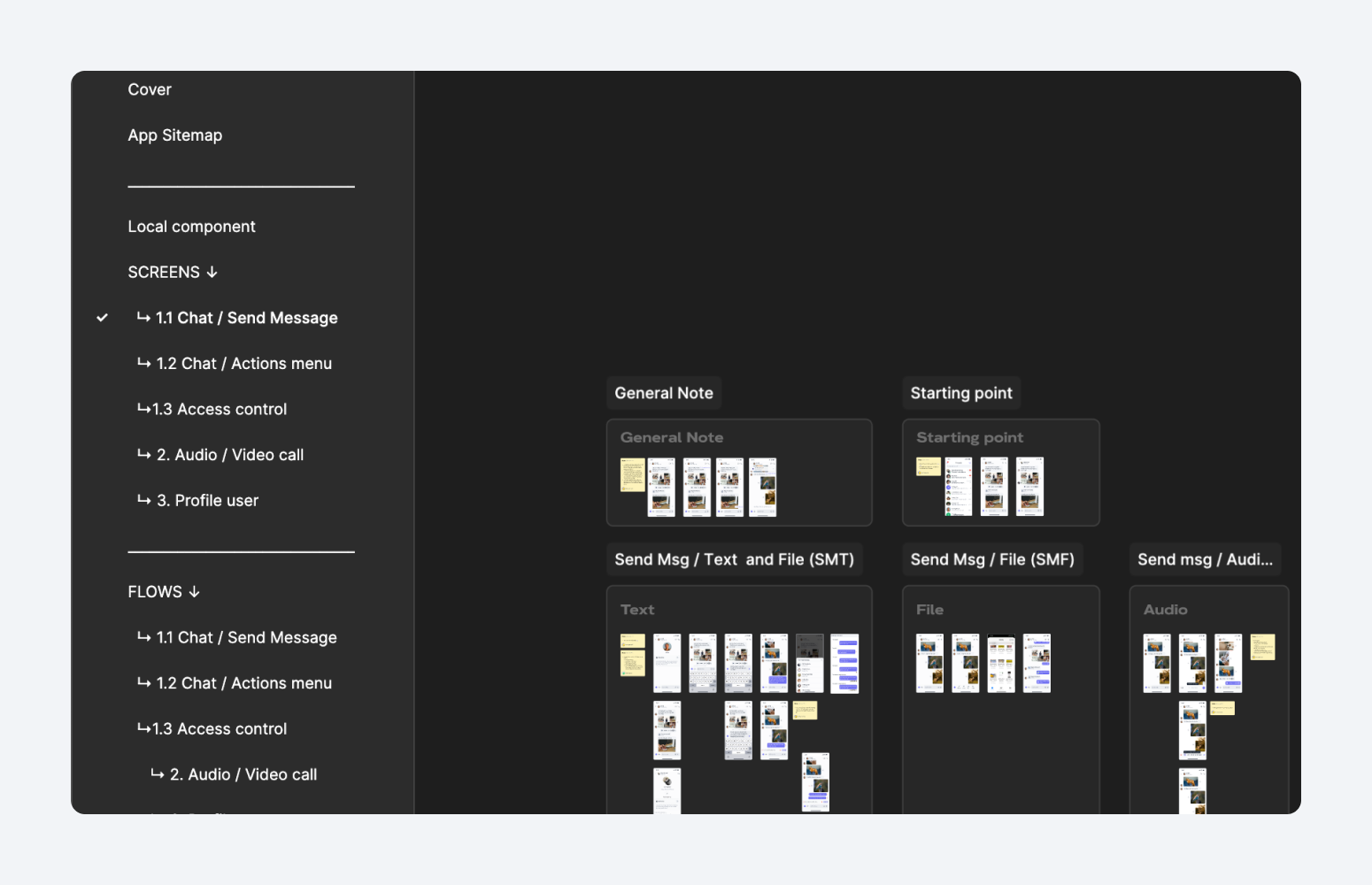
Above are all the foundation set up of the project. When the foundation are good to go, we started the design process following Agile - Srum workflow. Based on the defined task in backlog items, I would apply different design process, but basically it contains the parts:
- Define user story: Work closely with BA and product team to define which user story we are going to solve, what are they and our genral approach. At the stage, my main role is to understand the docs to sympathize with user through the user story, and from that define the problem flow to solve user’s pain point
- Define user flow: Basically, my role to review and understand the flow provided by the BA. But at some specific cases, I would support BA to create the flow to keep the deadline.
- Define wirefame: Not all the time we need to create the wireframe, but at some cases where the function are new, requires changes or need many relevant involve for making decisions, I will create the wireframe to meet all of that purpose.
- Design user interfaces: At that step, I almost have enough resources to start the design of screens. Often, I were in charge of designing screens and worked with my college to create flow for hand-off
- Design hand-off: We decided to create flows for the hand-off with the ability to link to the original screens for the cases require update.