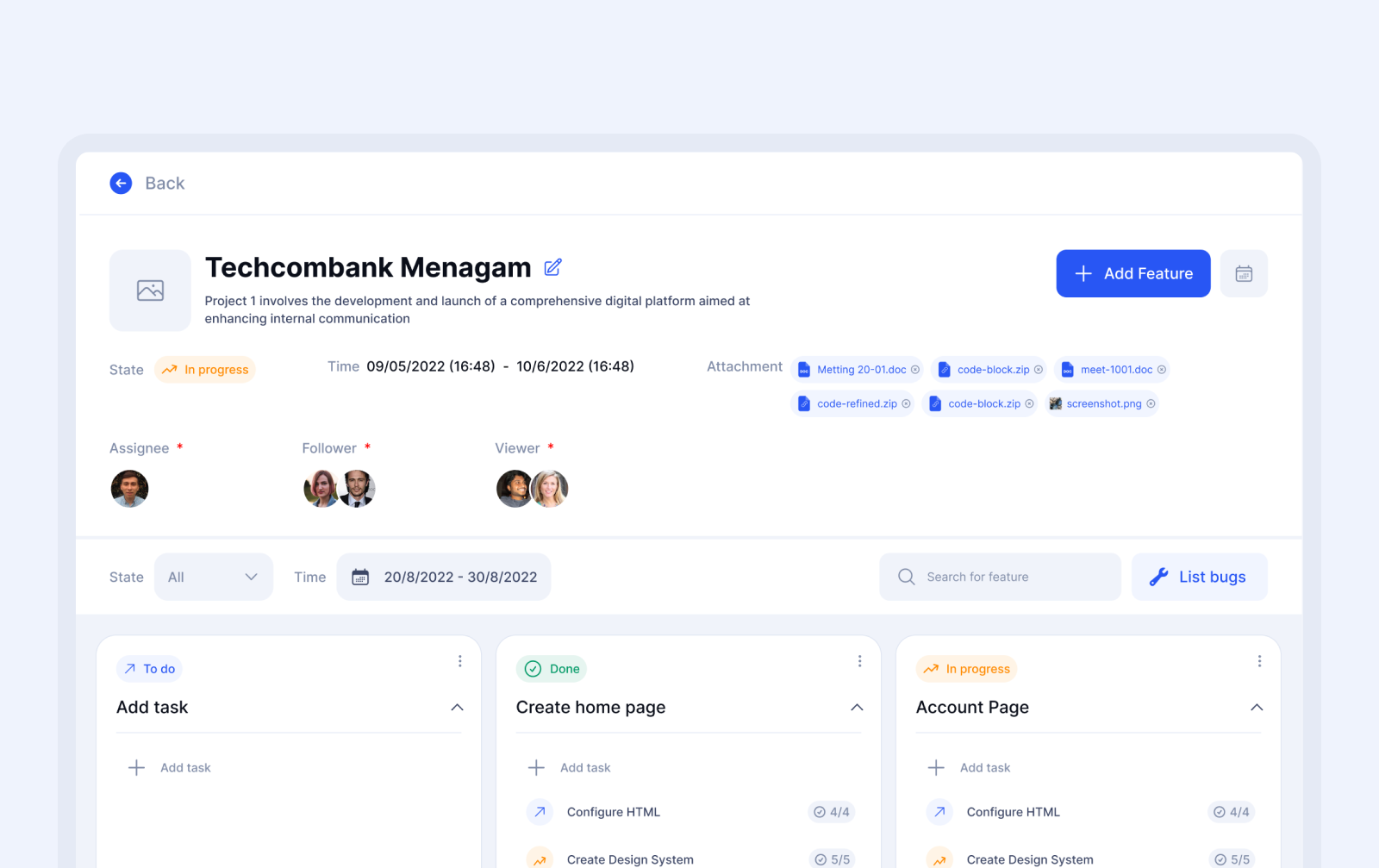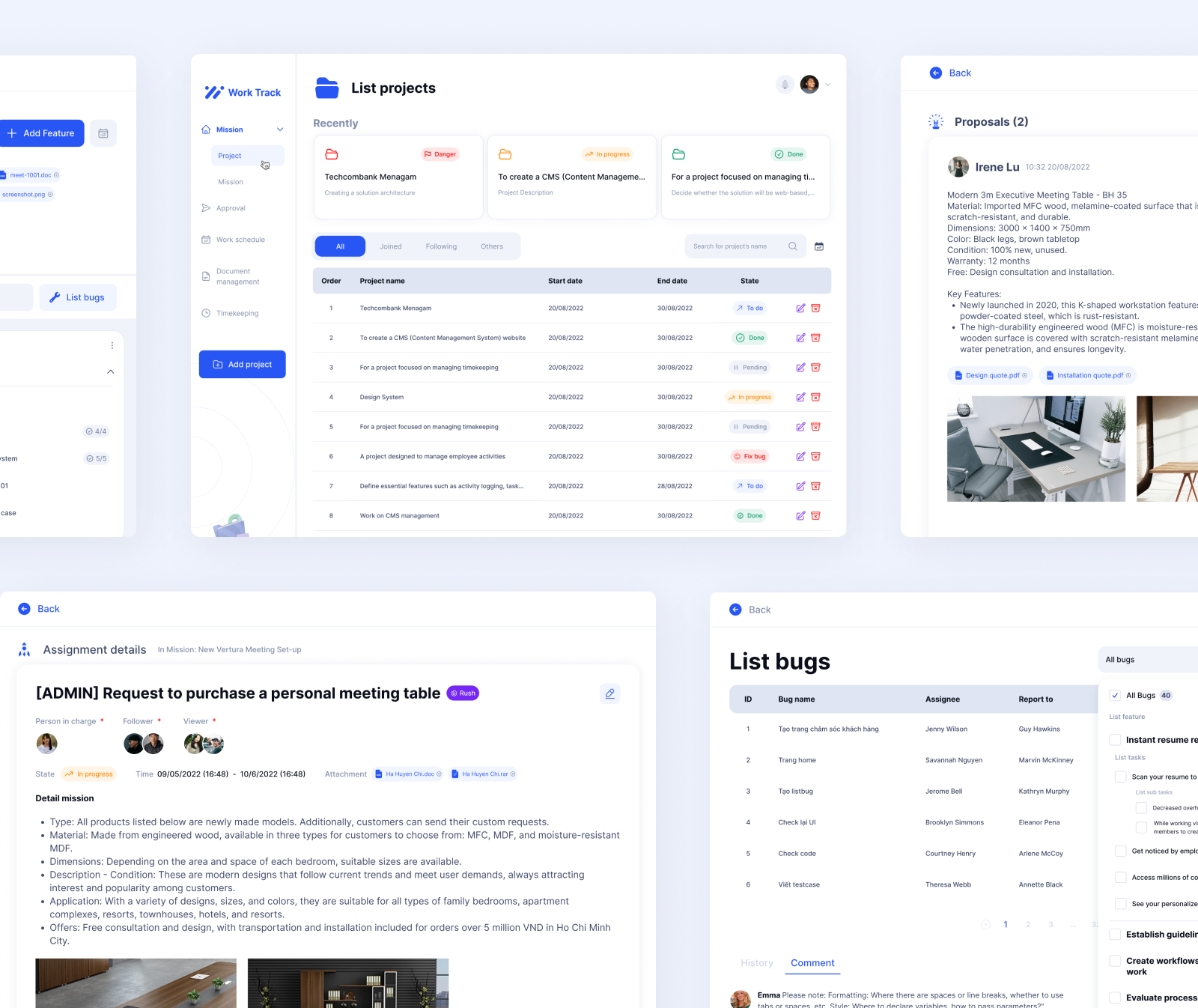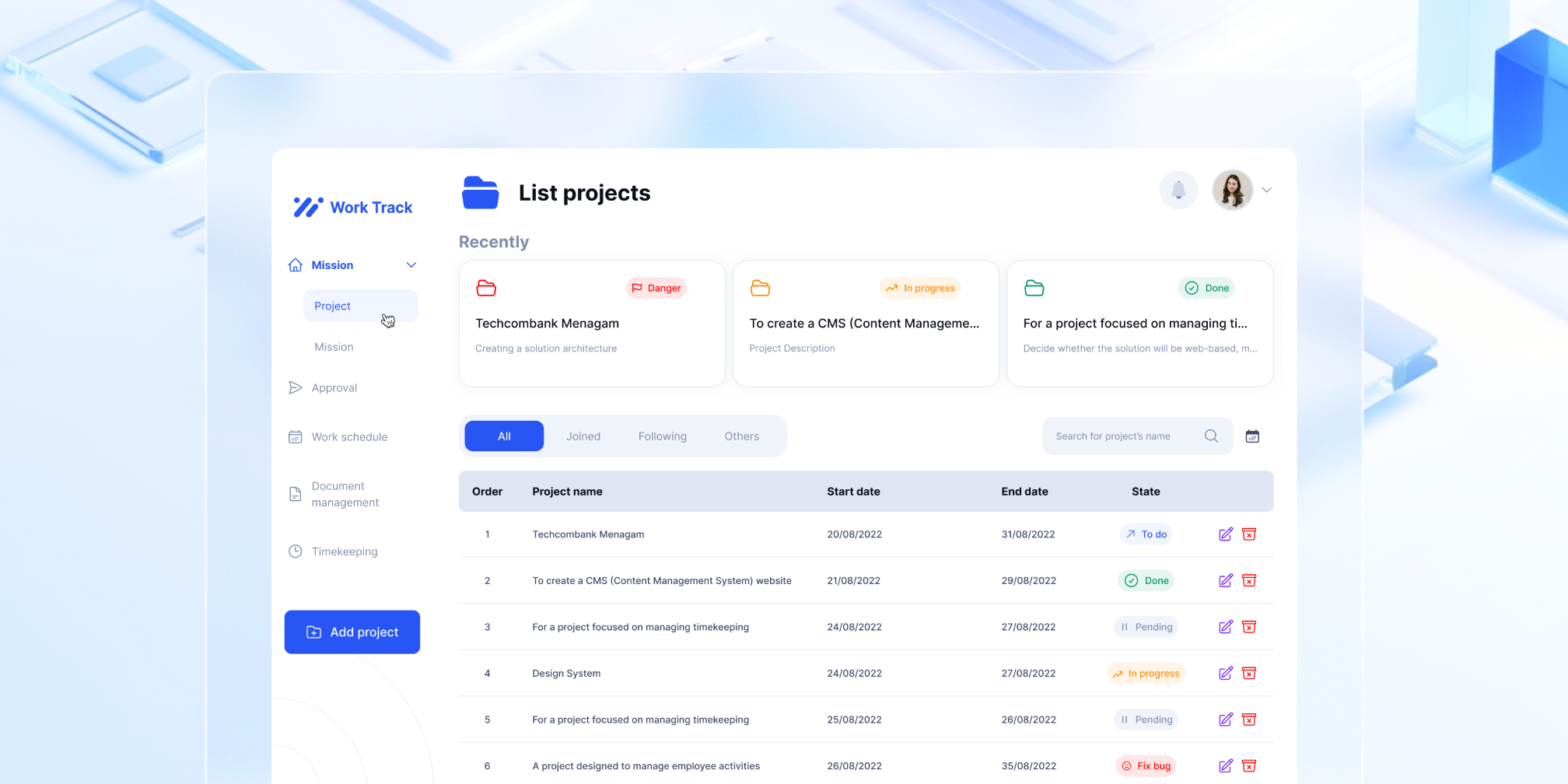
Our project focuses on internal management, similar to functionalities found in apps like Trello and Monday. We'll use SWOT analysis to evaluate these apps' strengths and weaknesses against our needs and identify opportunities to improve our application.
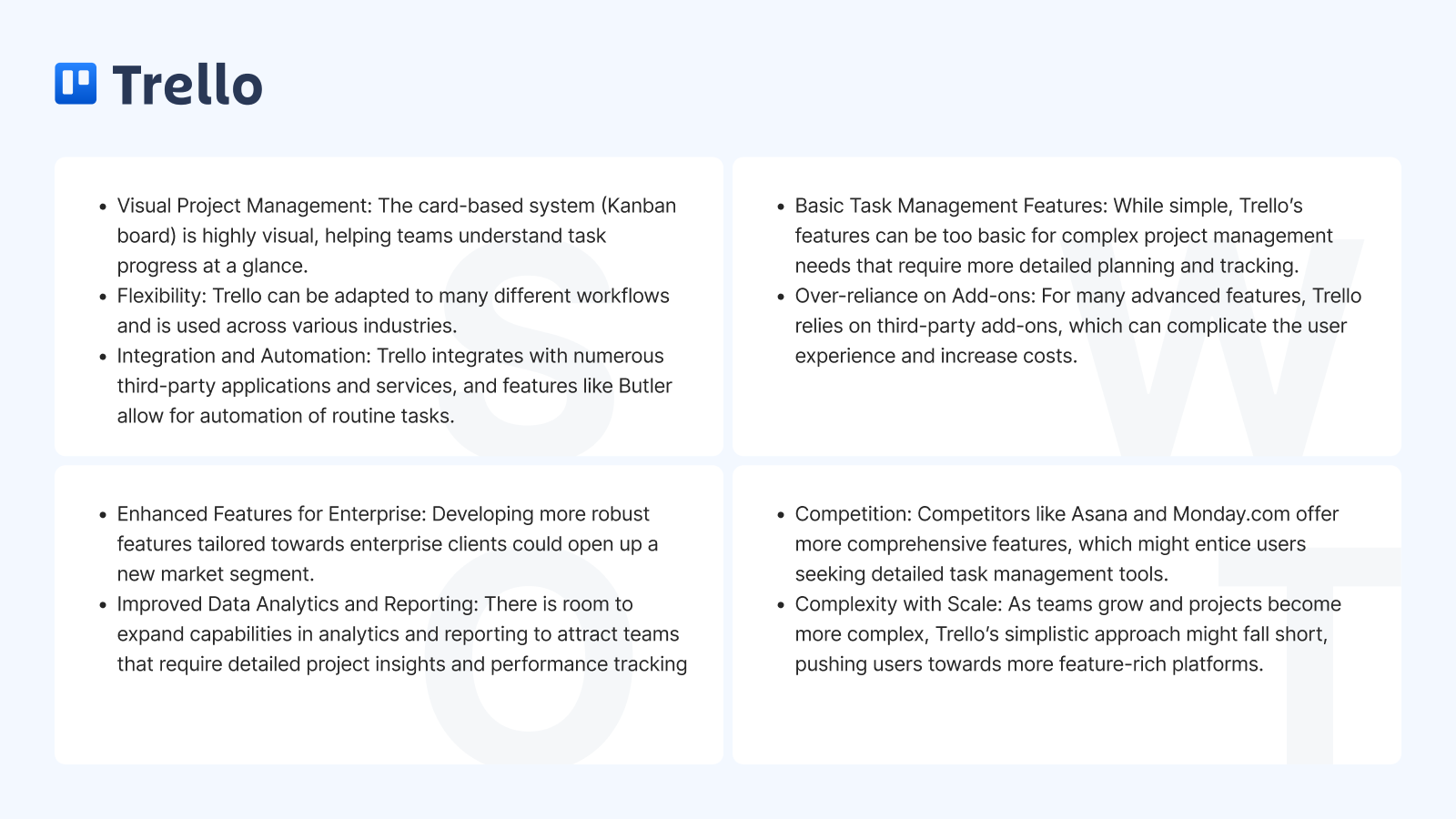
Below are some of key findings from analyzing the competitors (Trello and Monday) that can be applied to the CY project
- User-friendly interface: Both Trello and Monday have clean and straightforward interfaces, making it easy for users to navigate and understand the application
- Customization: Trello allows for high levels of customization with its flexible card system, while Monday offers custom boards and the ability to add custom fields.
- Collaboration: Both Trello and Monday have strong collaboration features, allowing team members to communicate and work together efficient
These findings can serve as valuable reference points for the CY project, helping to guide the design process and ensure a high-quality user experience for the end-users
1. Review and Gather Requirements
I review the draft documents from the Business Analyst to understand the software's business requirements and functionalities. To meet the tight deadline, I communicated closely with the client's representative to clear up any ambiguities and uncertainties in the requirements.
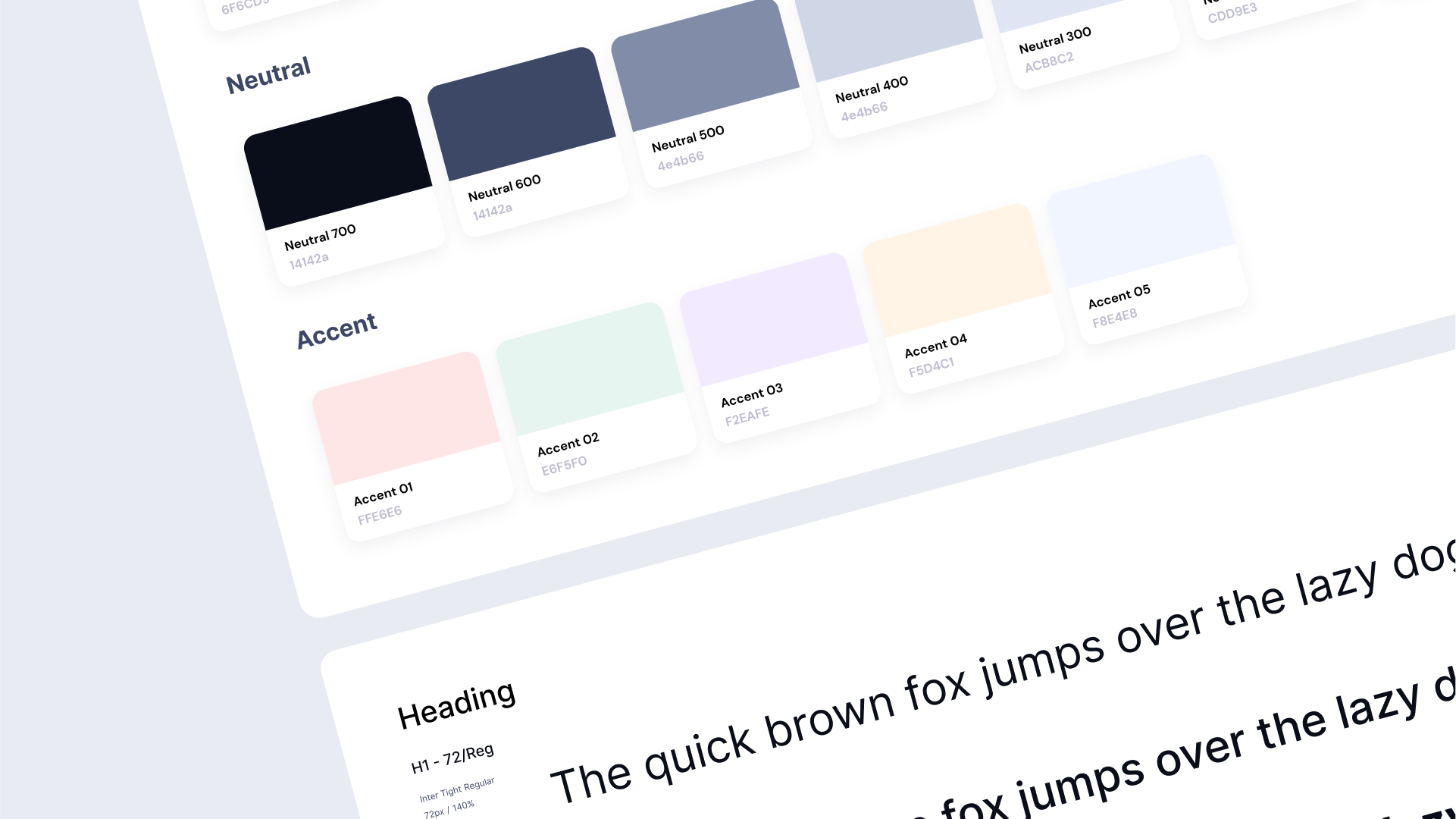
2.1. Define Design Library
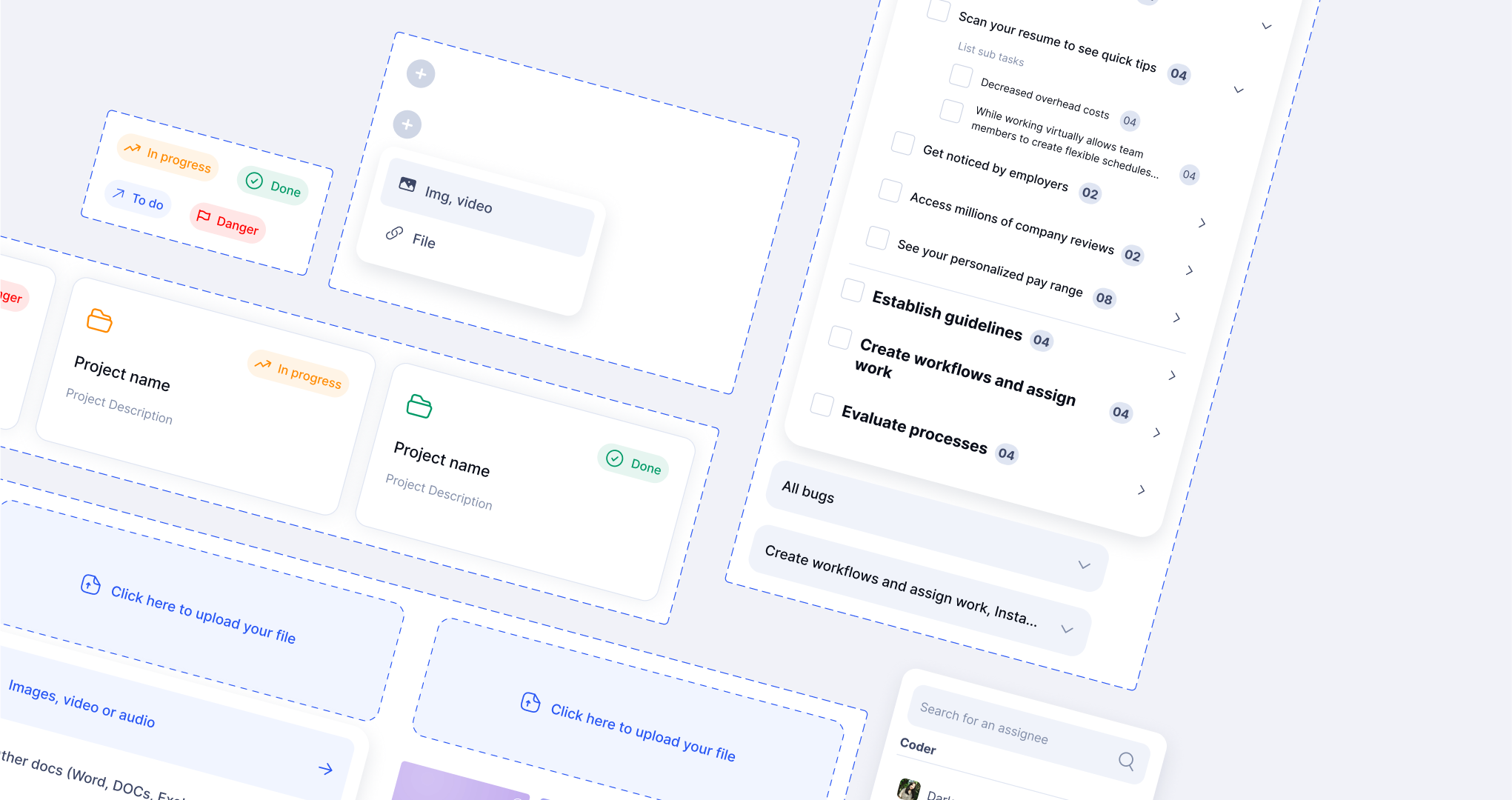
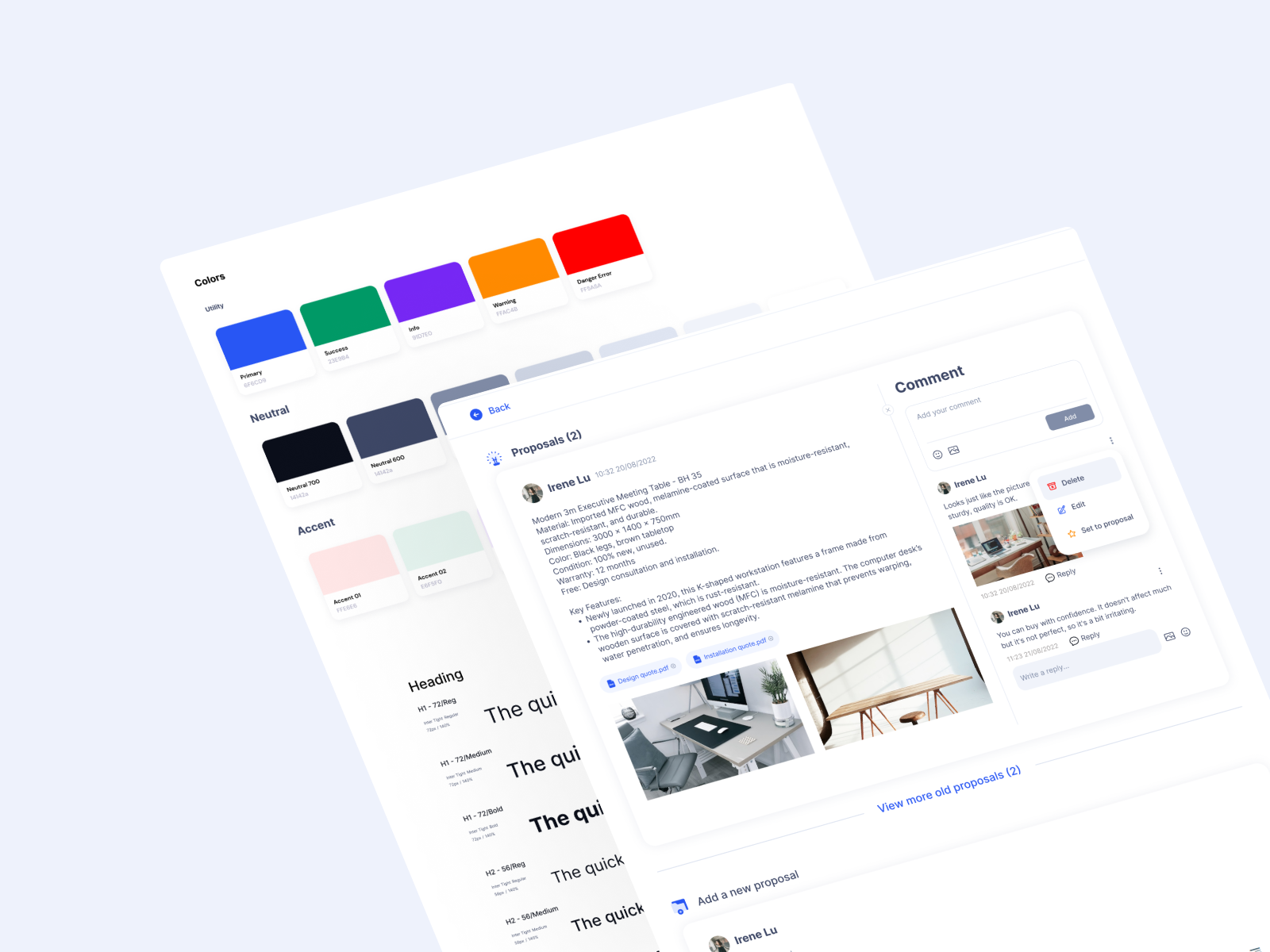
At that stage, I compiled a mood board of reference designs to present to the client, helping them envision the desired look and feel of the site. Following that, I established a system of typography, colors, icons, and grid layouts as the foundation for the design library. Given the project's scope, I kept the design library small and simple, facilitating easy change
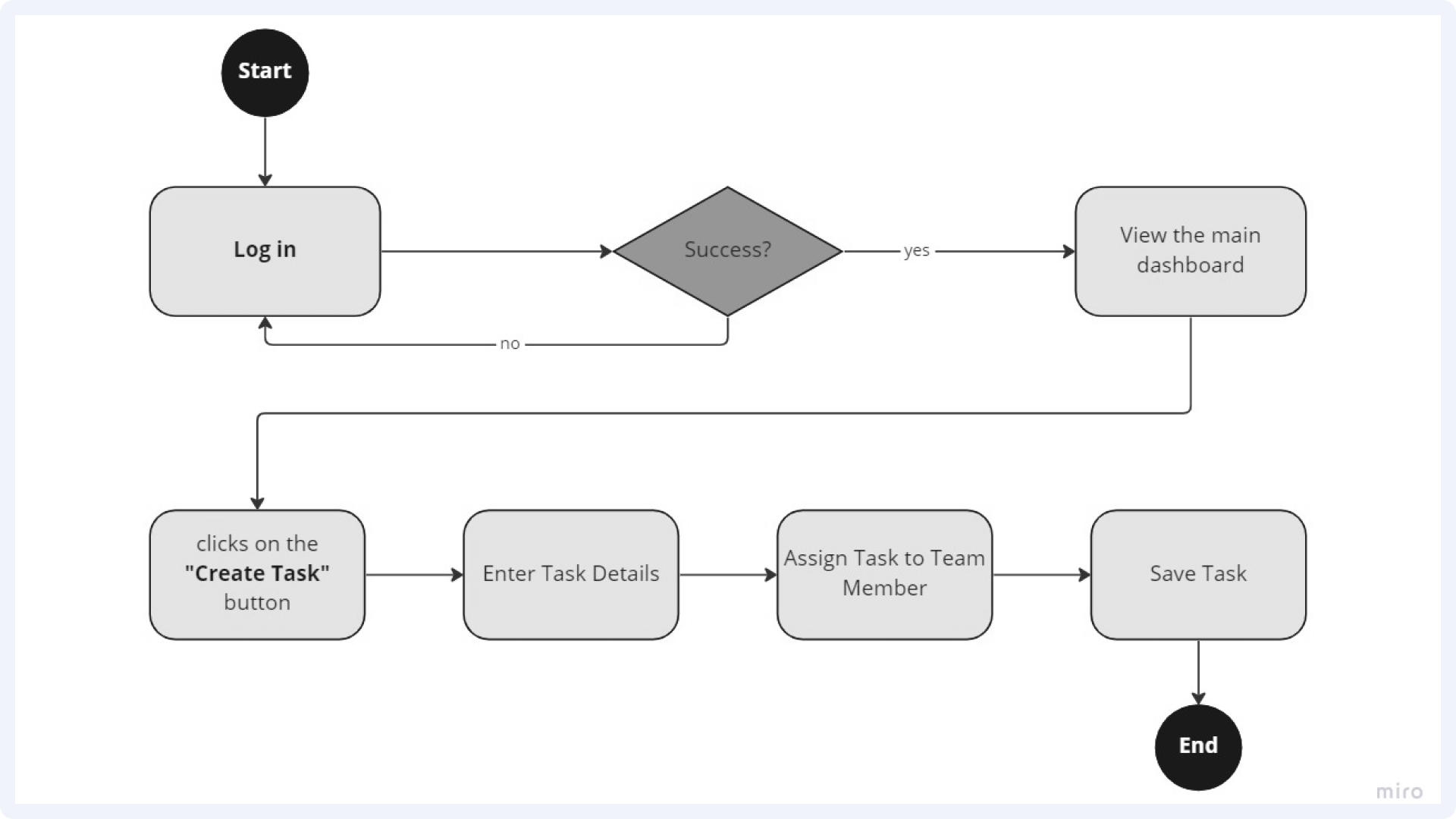
2.2 User Flow Design
I typically wait for the Business Analyst from the client's team to create the flow and transfer the documentation to me. However, to maintain the project timeline, I also get involved in defining some of the flows and clarifying the requirements
3. UI Design
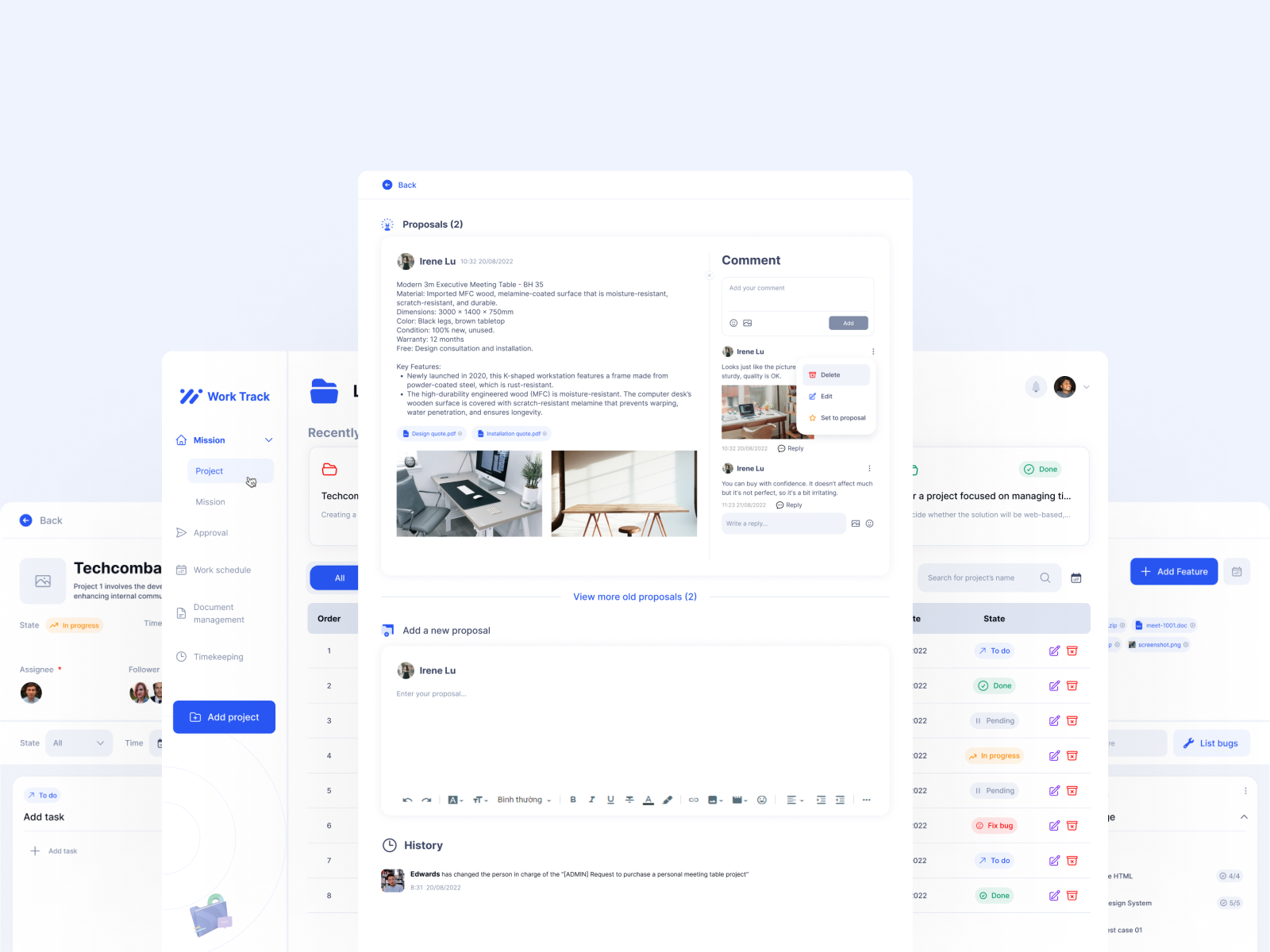
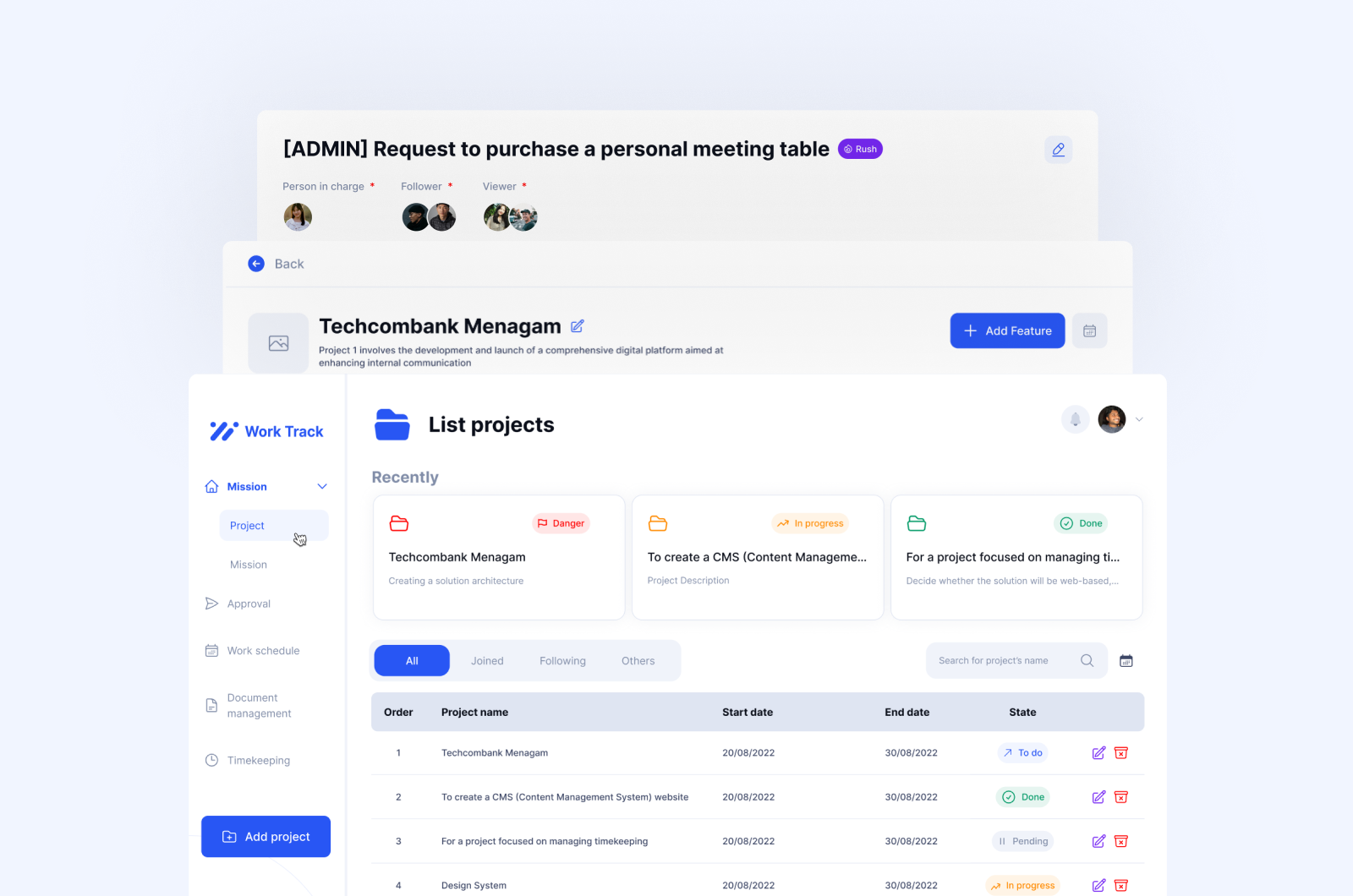
Using the user flow, I design the user interface for each screen of the software, ensuring that the UI is visually appealing, user-friendly, and easy to navigate. I utilize the design components established in step 2 to maintain consistency throughout the software. This design process guarantees that the software aligns with the business requirements and delivers a satisfying user experience for the employees at CY Vietnam.