In order to differentiate SISAP Student from other educational apps, a thorough competitive analysis was conducted to understand the strengths and weaknesses of similar app. Below are brief points about our compatitives.

✧ Kien Guru
Strengths
- Kien Guru offers a vast library of educational content, including tutorials, practice exams, and flashcards.
- The app is user-friendly and easy to navigate, making it accessible for students of all ages.
- The app has received positive feedback from users, indicating its popularity among students.
Weeknesses
- Kien Guru doesn't offer as many interactive features as other education apps, with a focus on traditional learning methods.
- Some users have reported that the app is not as visually appealing as other education apps.
✧ Vuihoc.vn
Strengths
- Vui Hoc has a strong focus on gamification, making learning fun and interactive for students.
- The app offers a wide range of educational content, including videos and quizzes, which can help students stay engaged and motivated.
- The app has received positive feedback from users, indicating its popularity among students.
Weeknesses
- Hocmai.vn has a limited focus on student engagement, with few interactive or gamified features.
- Some users have reported that the app's interface is not as visually appealing as other education apps.
✧ Hocmai.vn
Strengths
- Hocmai.vn offers a wide range of courses, including those taught by certified educators.
- The app is organized and well-structured, making it easy for students to find the content they need.
- The app has received positive feedback from users, indicating its popularity among students.
Weeknesses
- Hocmai.vn has a limited focus on student engagement, with few interactive or gamified features.
- Some users have reported that the app's interface is not as visually appealing as other education apps.
Our research revealed several key insights:
- Students want a personalized and interactive experience in their homework education app.
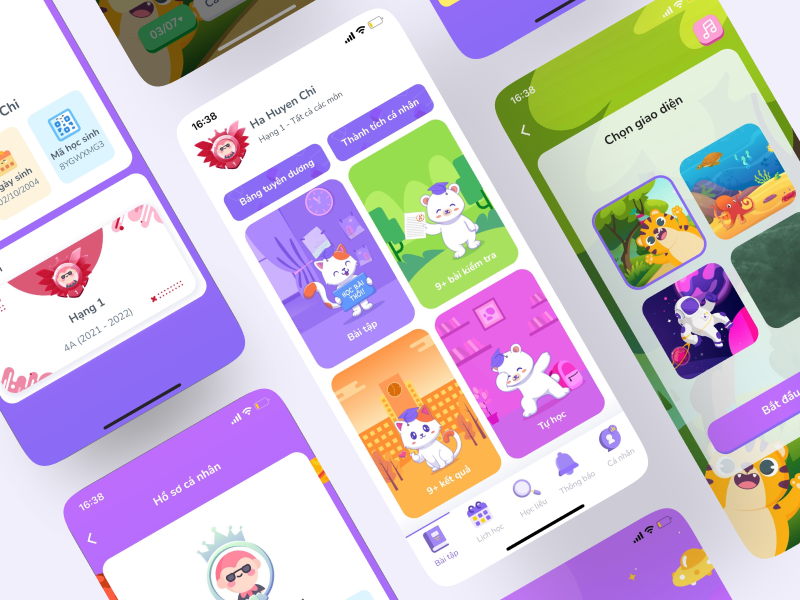
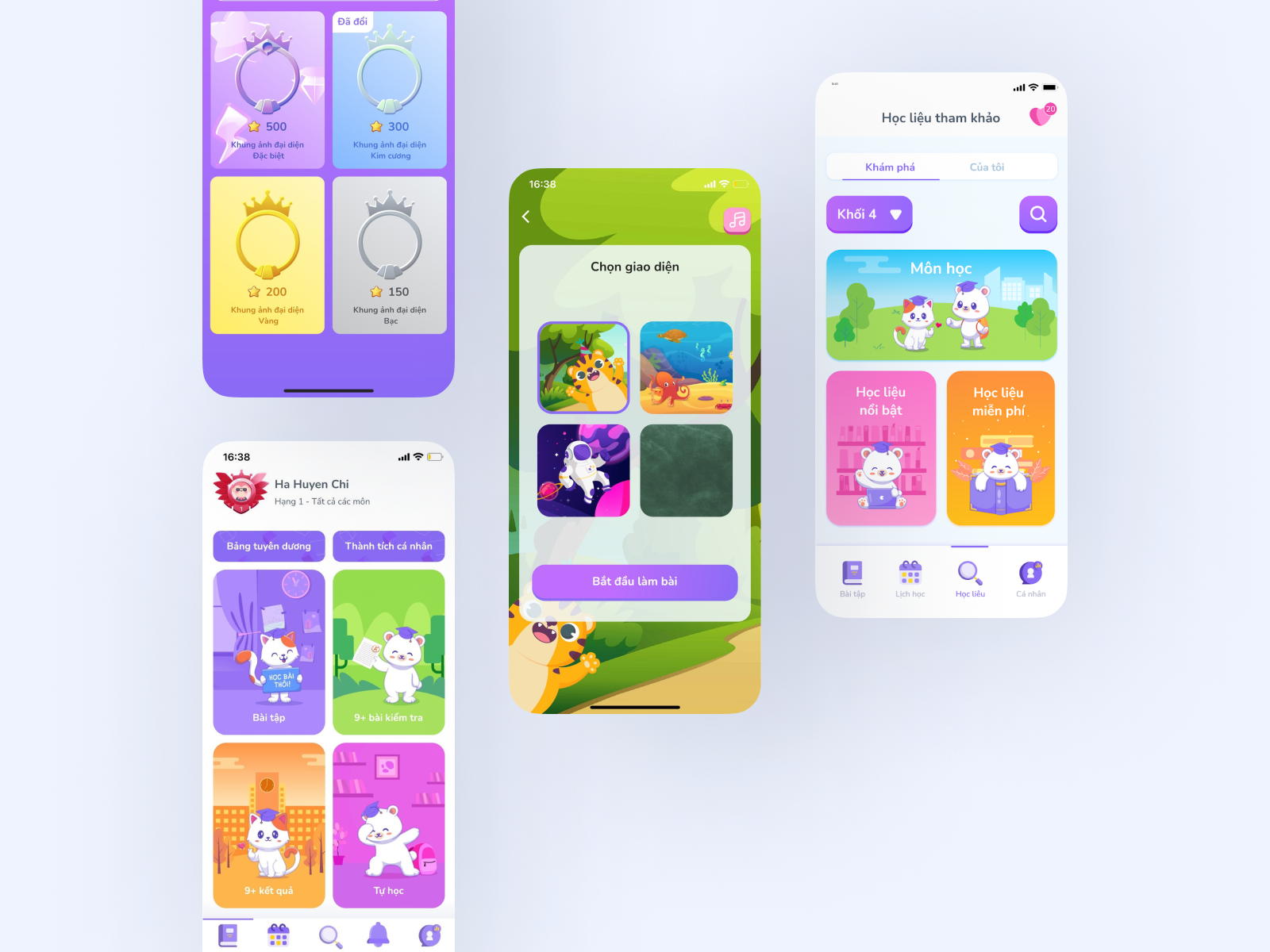
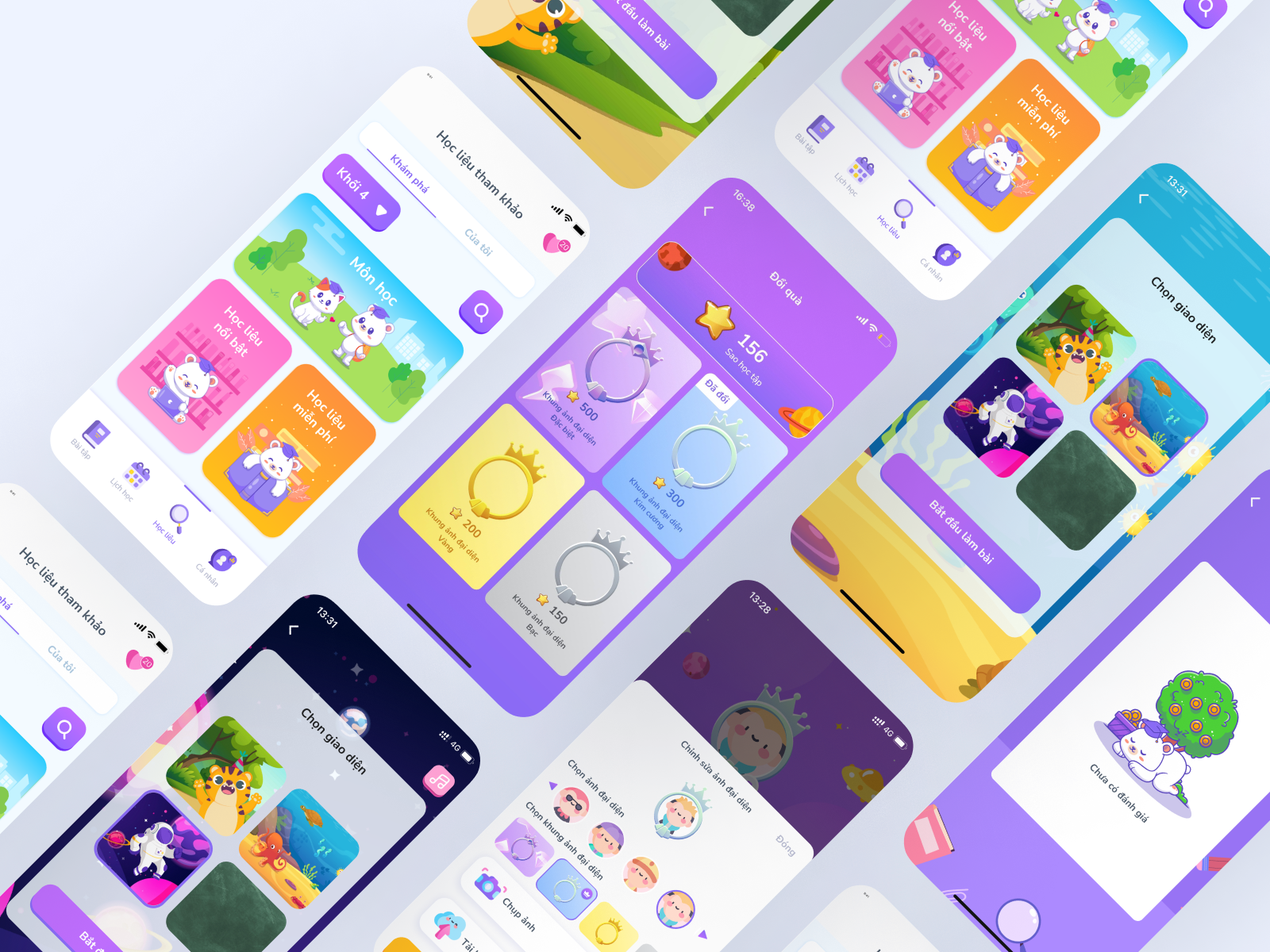
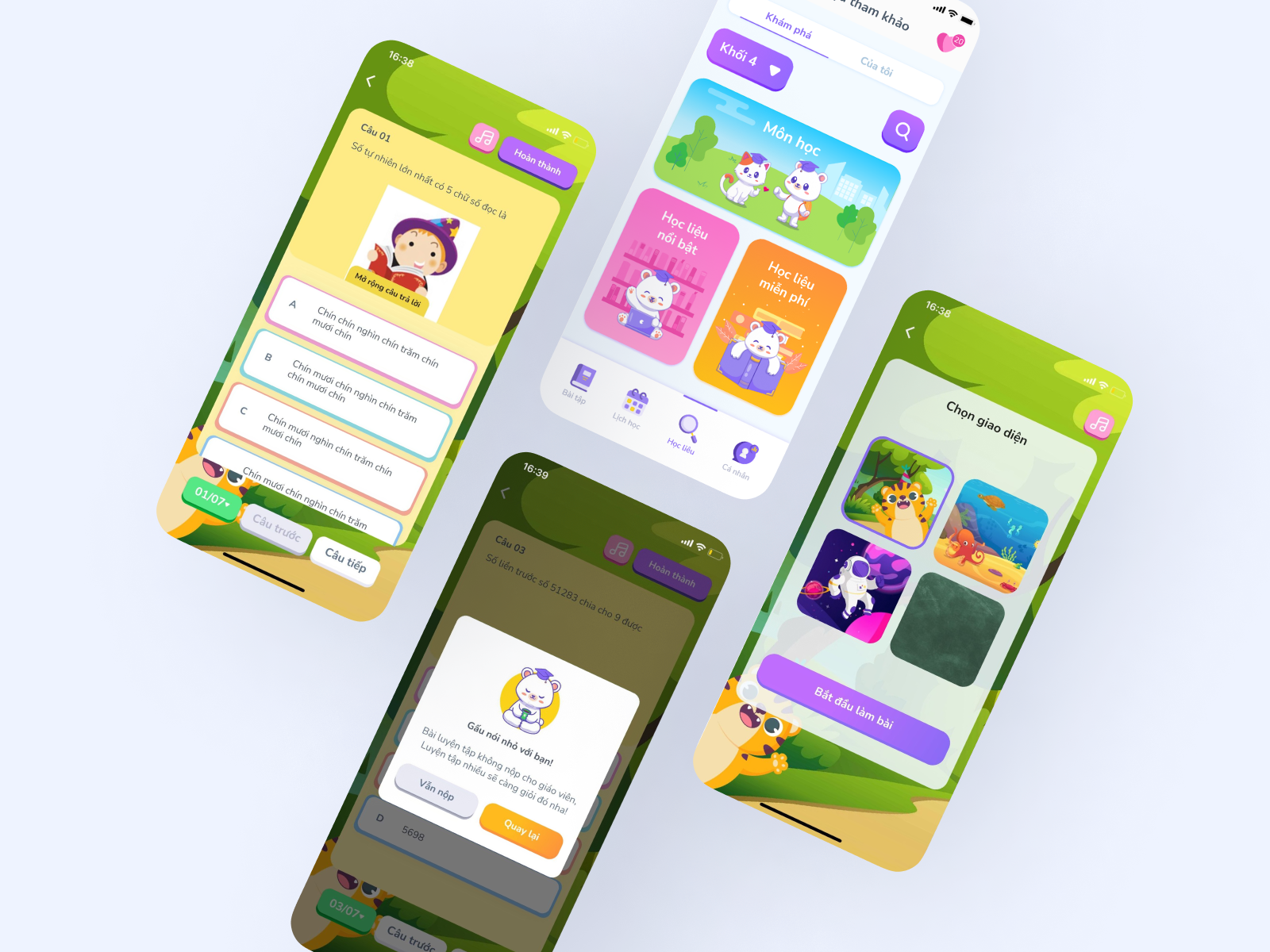
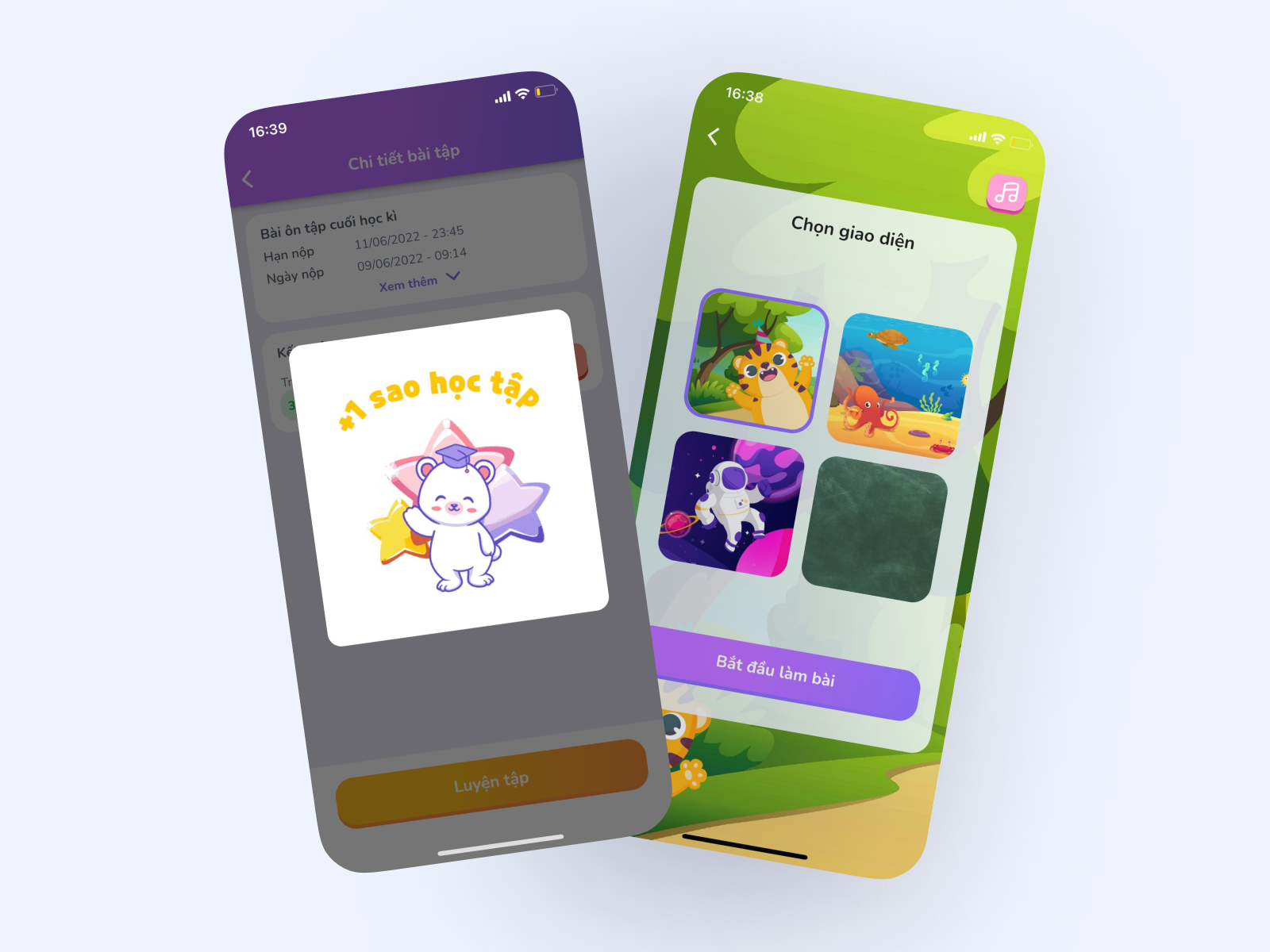
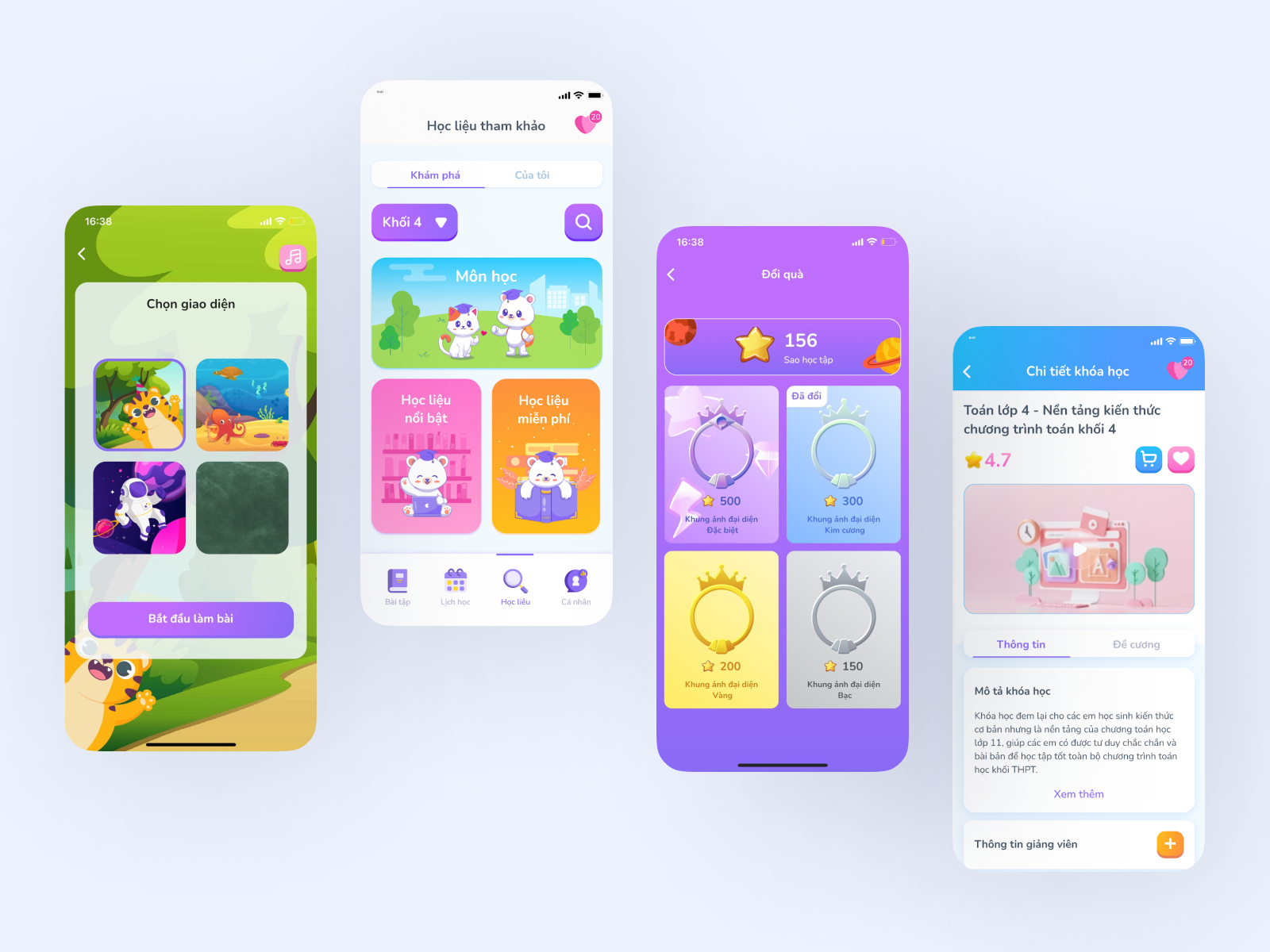
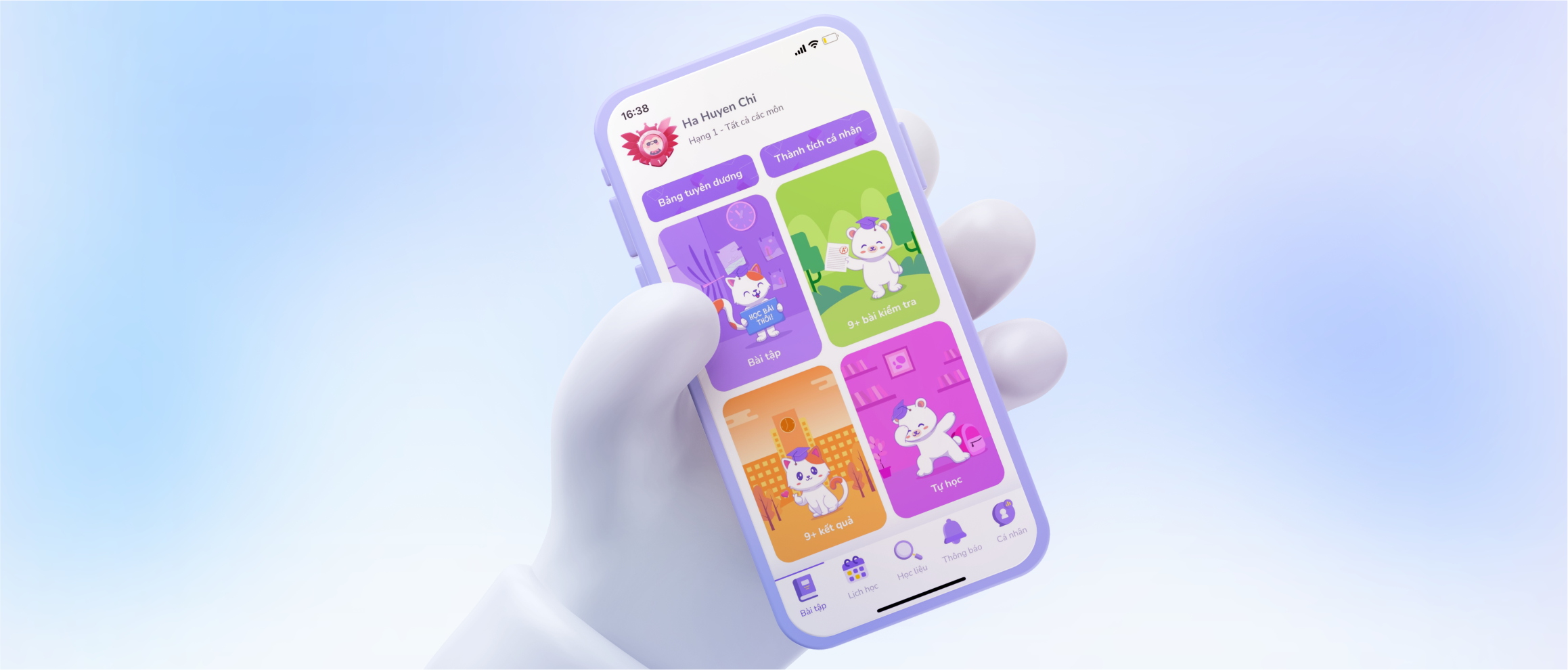
- SISAP student app offers music, games, and animation response to provide this kind of experience.
- SISAP student app can differentiate itself from other education apps with these unique features.
- Ongoing feedback from students is crucial to continue improving the app to meet their needs and preferences.
To create an engaging and personalized experience for students, I would take the following steps:
- Define User Stories: Understand what students require in the SISAP student app to enhance their learning and engagement
- Create basic flows: Sketch out the sequence of actions a student would take to complete tasks within the app.
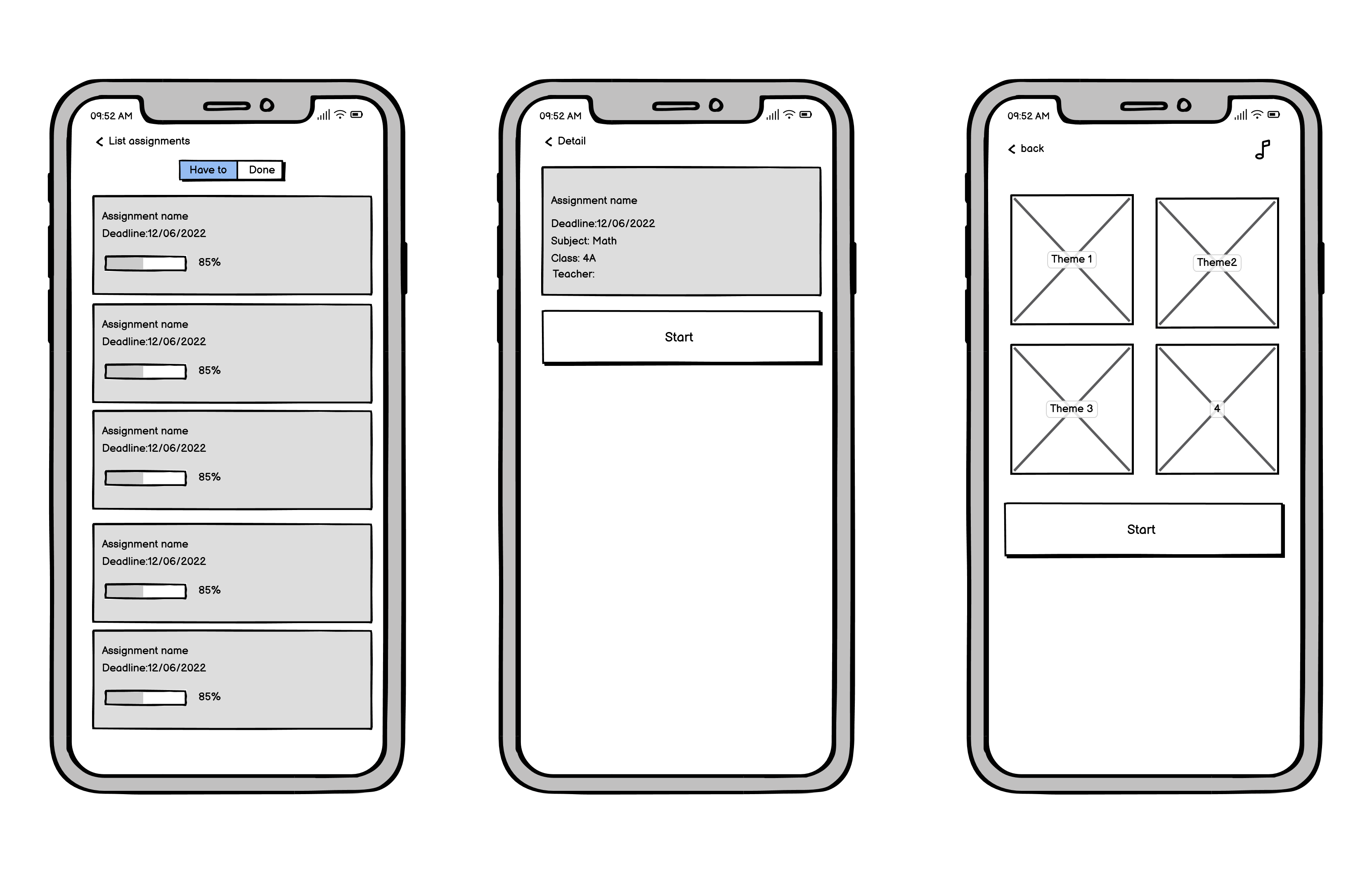
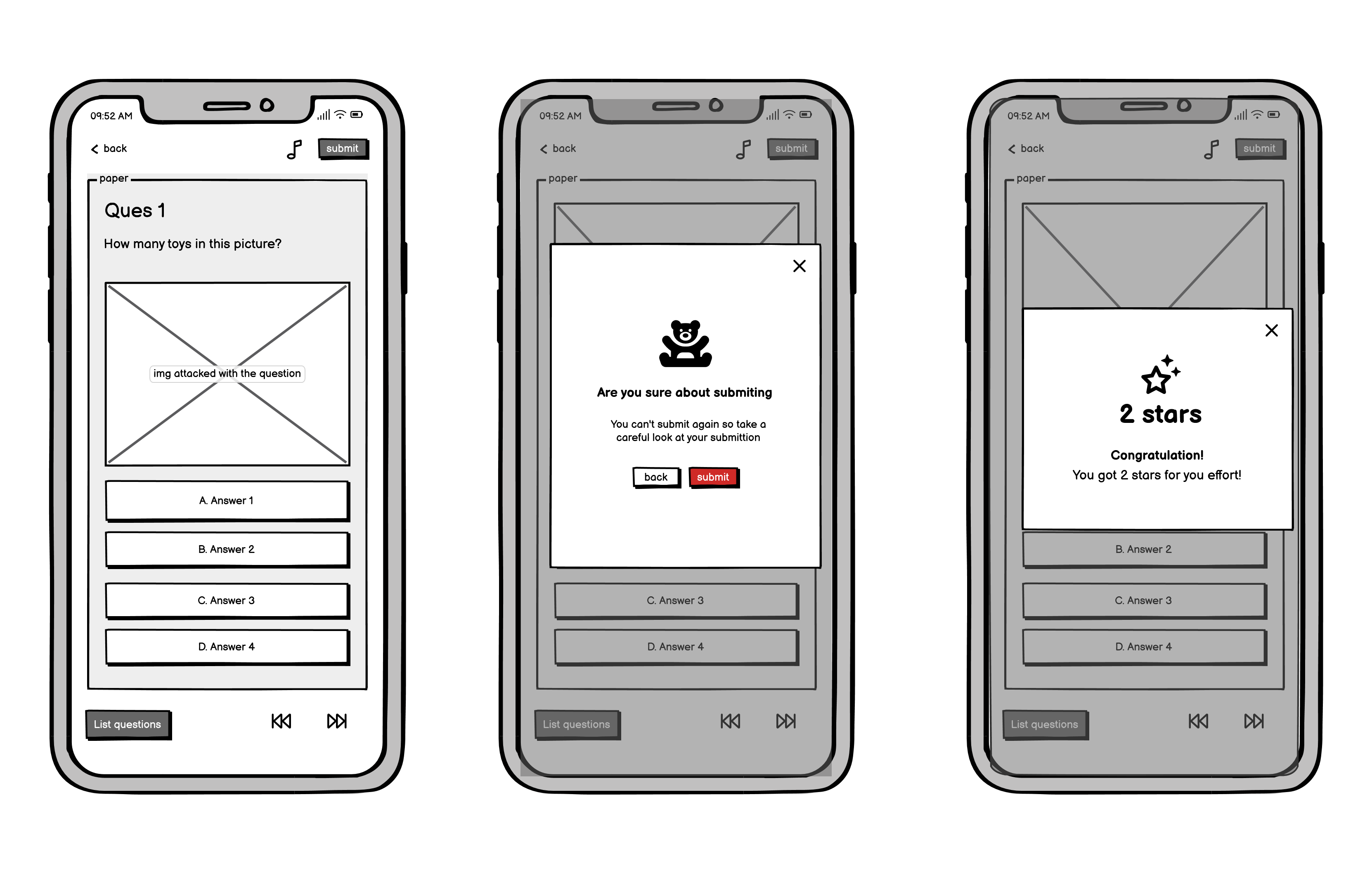
- Create wireframes: Develop draft of the app's layout and features, based on the identified user needs.
- Create interfaces: Design the actual interfaces, integrating feedback and improvements as needed.
To demonstrate the process, I'd proceed with creating the actual interfaces for the "Doing assigned homework" function.
1. Define User Story
As a student, I want to be able to access and complete my assigned homework within the SISAP Học Sinh app, so I can easily keep track of my progress and receive feedback from my teacher.
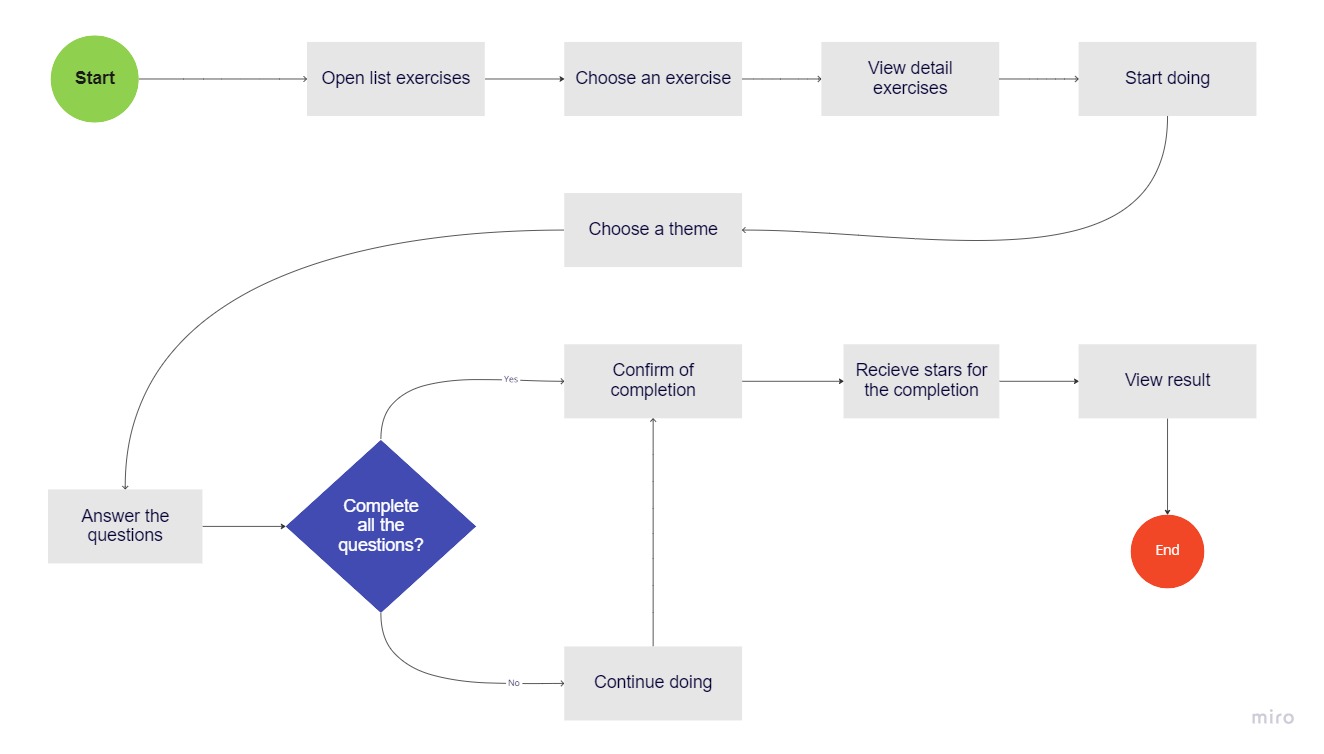
2. Create Basic Flows
This basic flow captures the key steps and actions.
3. Create Wireframes
Before proceeding to the final visual design, wireframes can be used to test and validate the function design. This allows for feedback and iteration before the final design is completed.
4. Create interfaces
Here are the steps in creating high-fidelity design for the interface:
- Define the design system: Create a design system that includes color palettes, typography, and other design elements that will be used throughout the project. This helps in maintaining consistency in the design.
- Using the design system, create high-fidelity prototypes that accurately showcase the look and feel of the interface
- Test and refine: Test the high-fidelity prototypes with users to identify any usability issues and gather feedback.